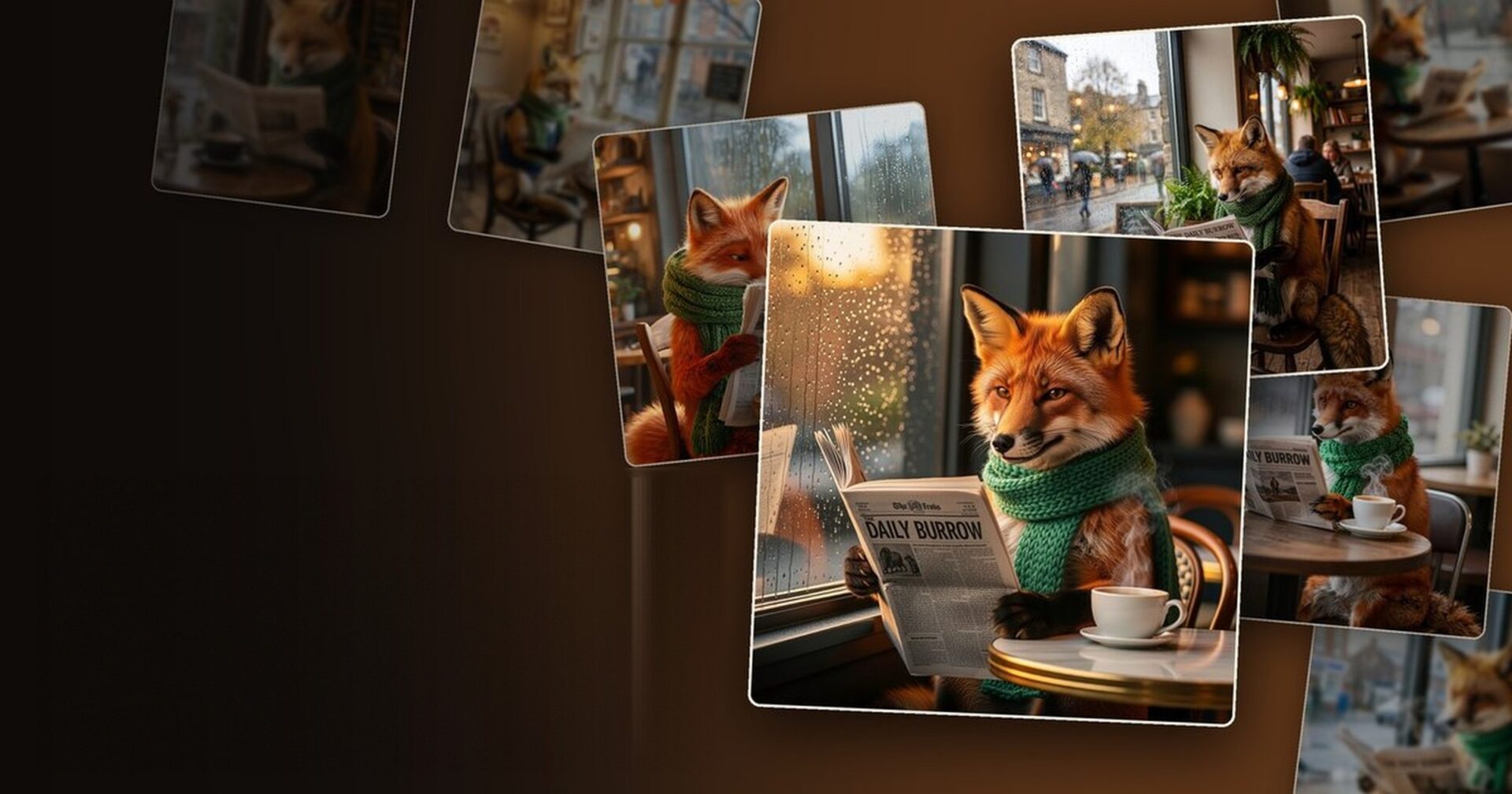

Alberti Studio gives you a long list of image models. That is a gift and a problem at the same time. This guide is the map: what each one is actually for, where each one struggles, and how to stop guessing. It covers the models made by other labs. Our own models, Hamilton, Photo Pilot, Quantum, Selena and Selena Variété, get a post of their own, and so do the video models. Both are coming soon.
Start here: there is no best model
Every comparison table you will ever read, including the ones below, hides the same truth. There is no model that wins at everything. Each one has a shape. One is better at text inside the picture, another at skin and light, another at editing something you already made, another at being fast enough to try twenty ideas before lunch.
So the question is never “which is the best model.” It is always “what is this particular job asking for.” Once you ask it that way, the choice gets easy, and most of the time it comes down to four or five models you will end up using again and again.
The fastest way to learn all of them
Take one prompt you know intimately. Something you have run many times and whose result you can picture with your eyes closed. Run it unchanged through four different models. Do not fix it between runs, do not adapt it to each model, do not help.
Ten minutes of that will teach you more than any table, because you already know what the prompt is supposed to produce. The differences will not be abstract. They will be the gap between what you expected and what came back.
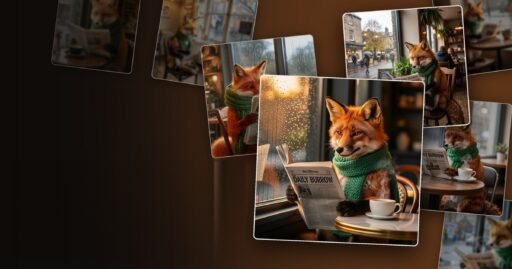
We tried it ourselves. One prompt, eight models:
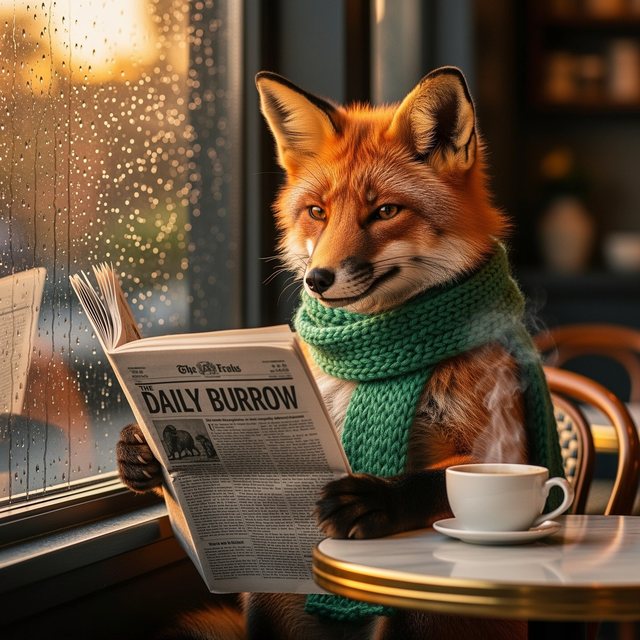 Flux 2 Flex
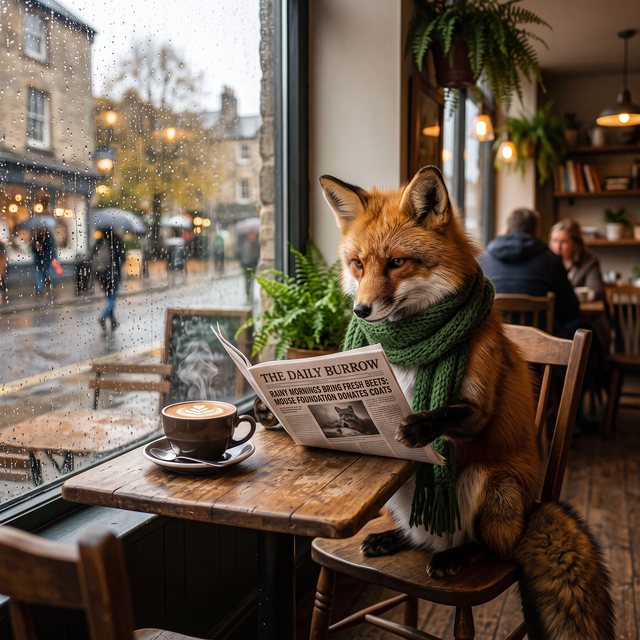 Nano Banana 2
 Seedream 5 Lite
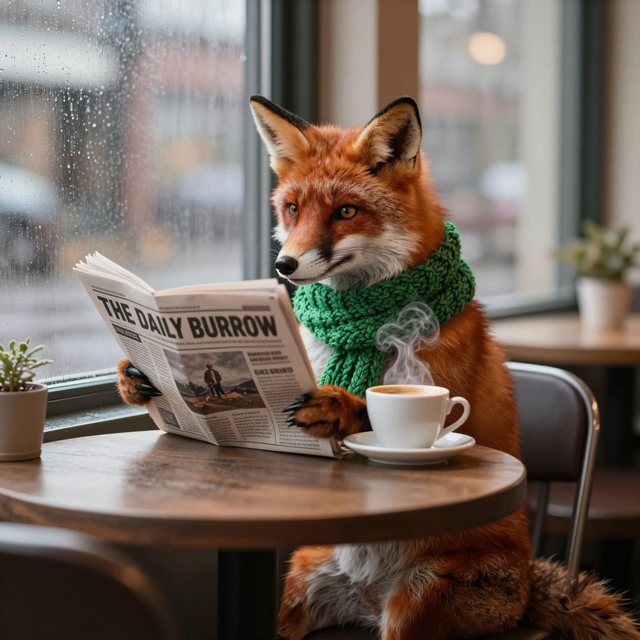 Z Image Turbo
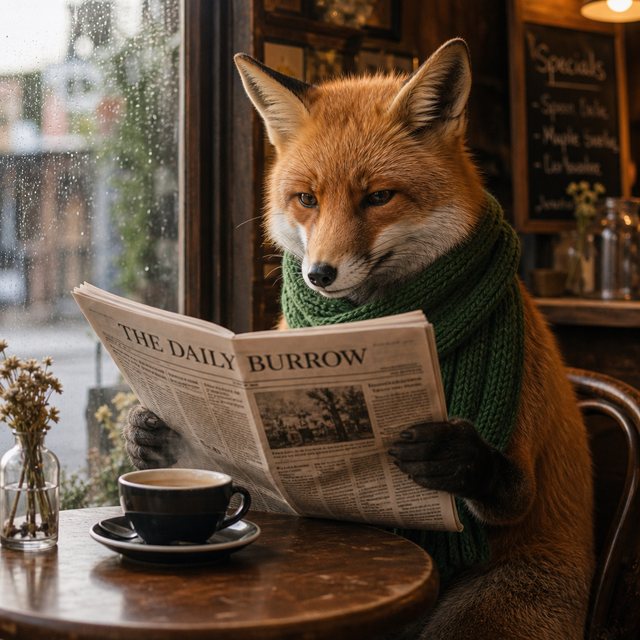 GPT Image 2
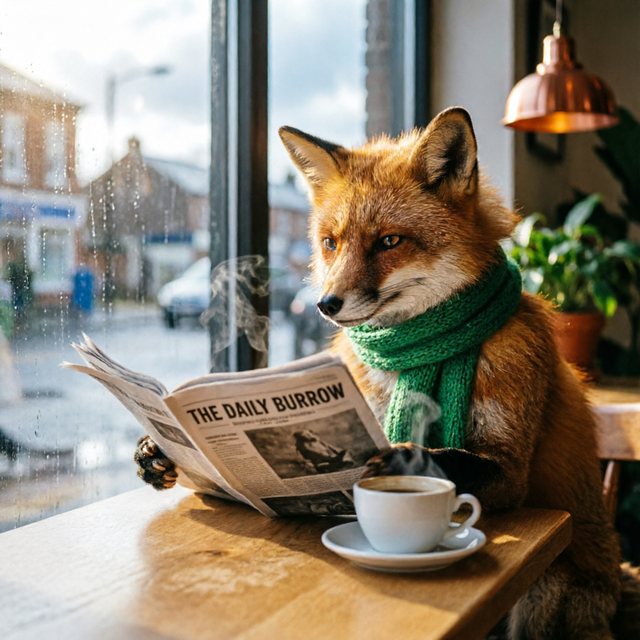 Qwen Image 2
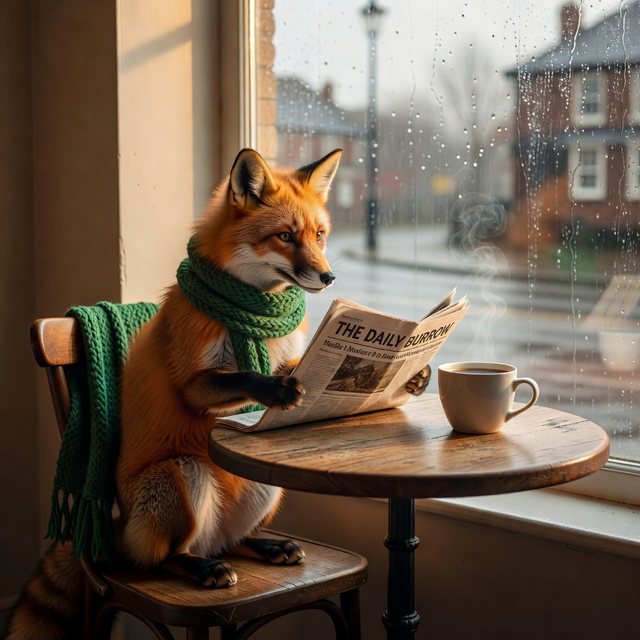 Grok Imagine
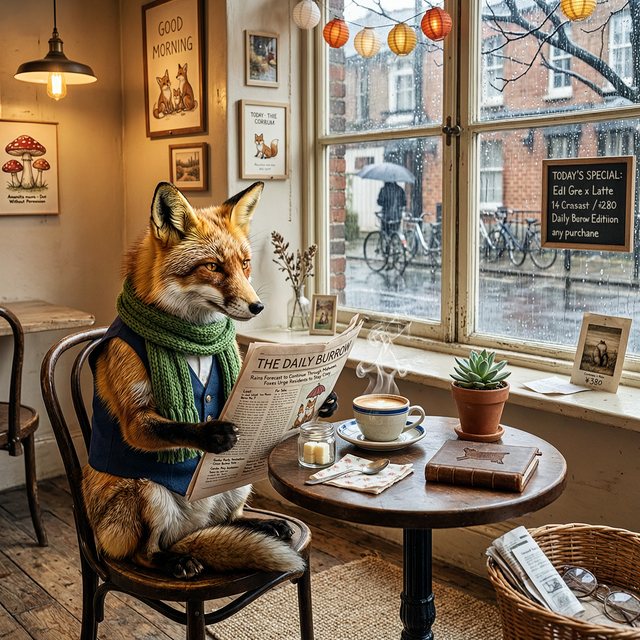 Wan 2.7 Image
See the prompt
A red fox in a knitted green scarf sitting at a small café table by a rainy window, reading a newspaper with the headline "THE DAILY BURROW", a cup of coffee steaming beside it, warm morning light, photographed with a 50mm lens.
Image models
Grouped by the job, not by the company that made them.
The everyday workhorses
Flux 2 Pro
Best at: photorealism with the details that usually give AI away, hands, faces, fabric, skin. Strong prompt adherence, good text rendering, and it accepts up to eight reference images for editing. Output up to 4 megapixels at any aspect ratio.
Watch out for: 4 megapixels is the ceiling. If you need a bigger file, for print for example, upscale it afterwards.
Reach for it when: you do not have a specific reason to reach for something else. This is the sensible default for photographic work.
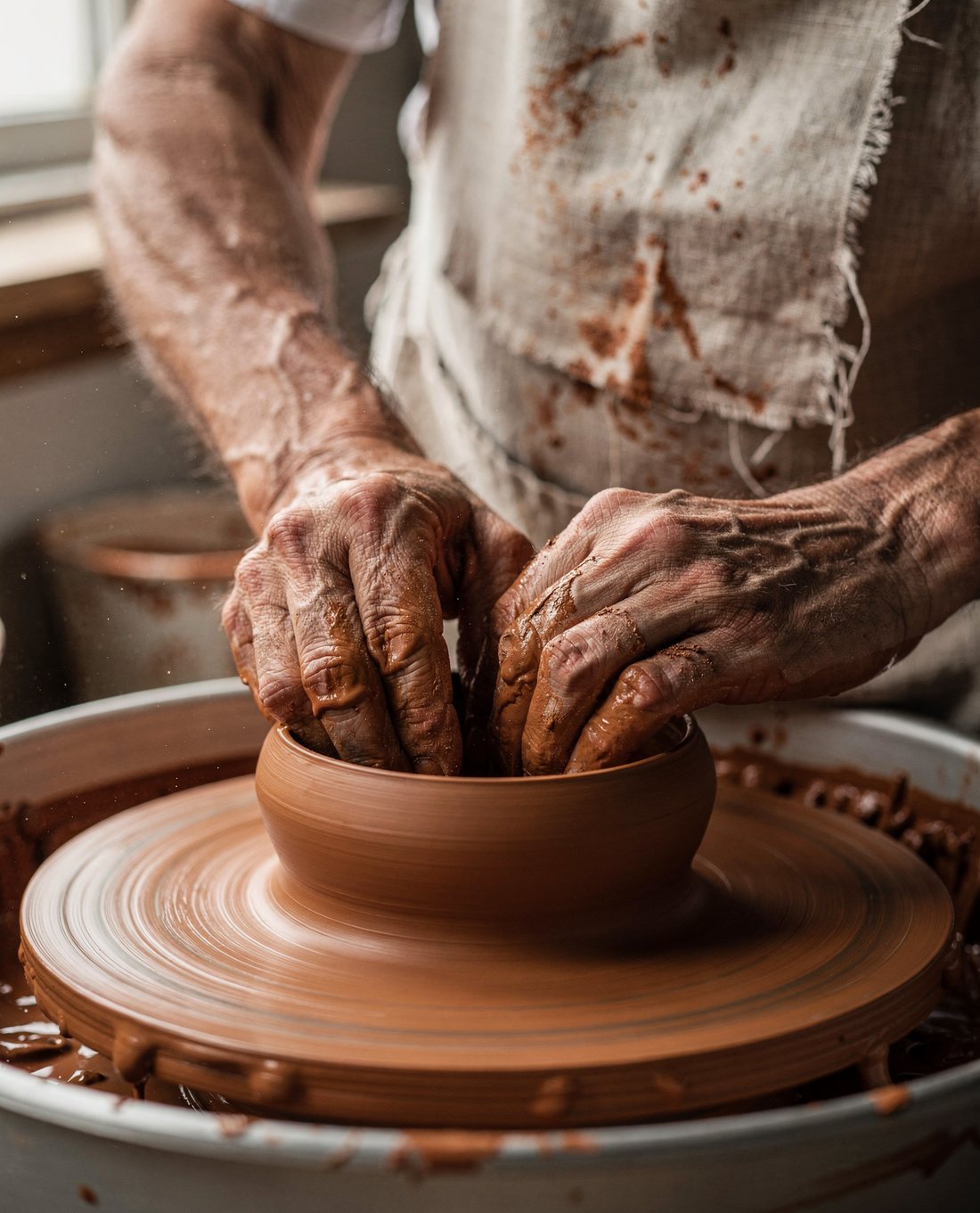
See the prompt
Close-up photograph of an elderly ceramicist's hands shaping a wet clay bowl on a spinning potter's wheel, slip running between wrinkled fingers, fine clay dust on the forearms, a frayed linen apron with visible weave. Soft north-window light from the left, shallow depth of field, 85mm lens at f/2. Warm earthy palette, terracotta #B5603A clay, natural skin texture.
Seedream 4 and Seedream 4.5
Best at: generating and editing in one model, at up to 16 megapixels (roughly 4K), and doing it fast. Version 4.5 is the one to prefer: it was rebuilt around editing consistency, meaning it holds a face, a lighting setup and a colour palette steady when you change something else. It also handles dense small text and mixed Chinese and English layouts, which is why it ended up popular for posters and product listings.
Watch out for: no mask-based inpainting. You describe the change in words rather than painting a region. And version 4.5 starts at 4 megapixels, so it is not the one for small, quick drafts.
Reach for it when: you have an image already and want to change part of it without the rest drifting.
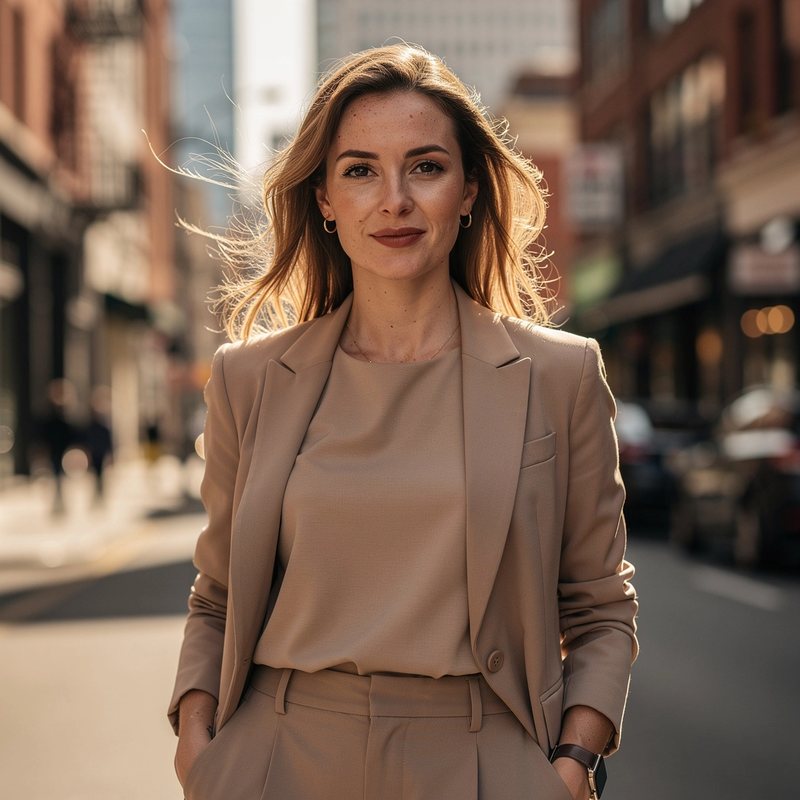 Original
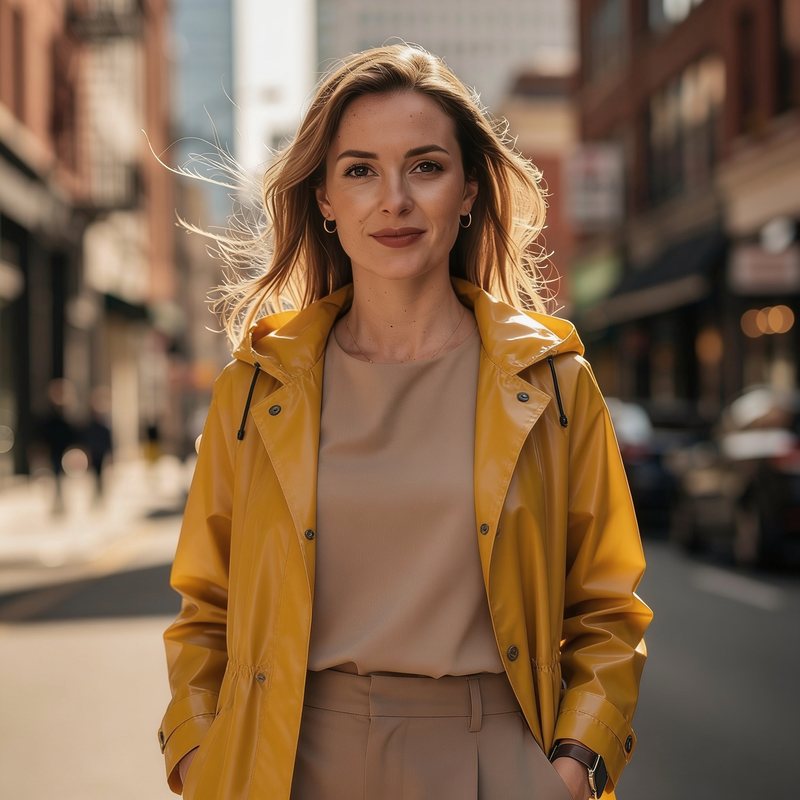 Edit 1: the jacket
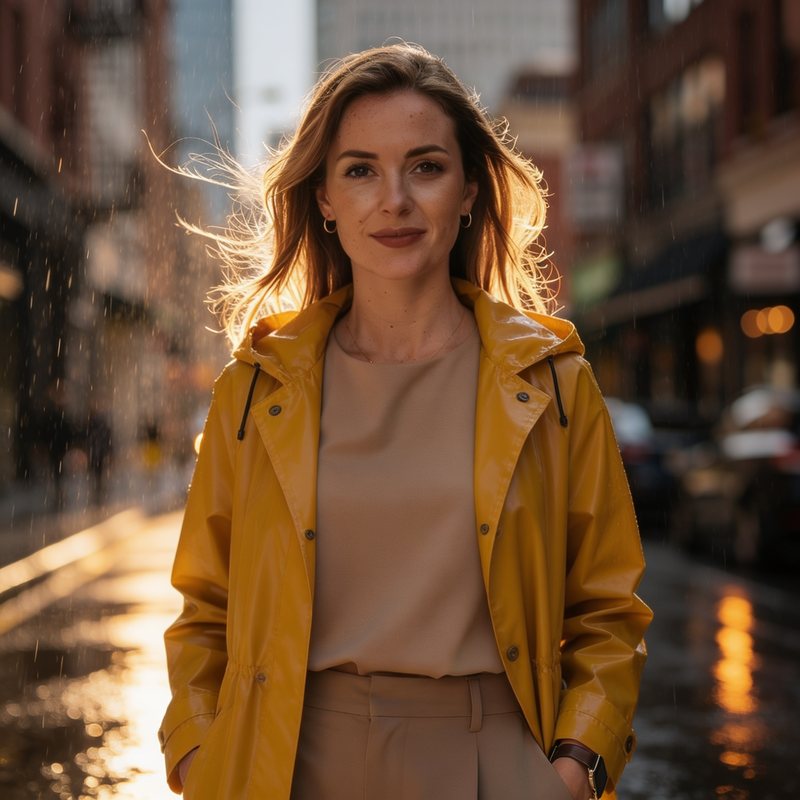 Edit 2: the weather
See the prompt
Edit 1: Change only her jacket to a mustard yellow raincoat. Keep her face, hairstyle, expression, lighting and background exactly the same.

Edit 2 (on the result of edit 1): Now add light rain and wet reflections on the street behind her. Keep her face, the raincoat and the lighting on her exactly the same.
Nano Banana 2
Best at: text inside the image, including translating text between languages, and something none of the others do as well: it can search the web while generating. Ask for something time-sensitive or factual and it can look it up rather than inventing it. In Alberti Studio you turn this on with the Google Search switch in the settings. Output at 1K, 2K or 4K, and it holds characters and objects consistent from reference images.
Watch out for: every output carries an invisible SynthID watermark. Google’s own documentation says it is not optimised for many reference images or long back-and-forth editing sessions.
Reach for it when: the picture has to contain correct words, or has to reflect something real.
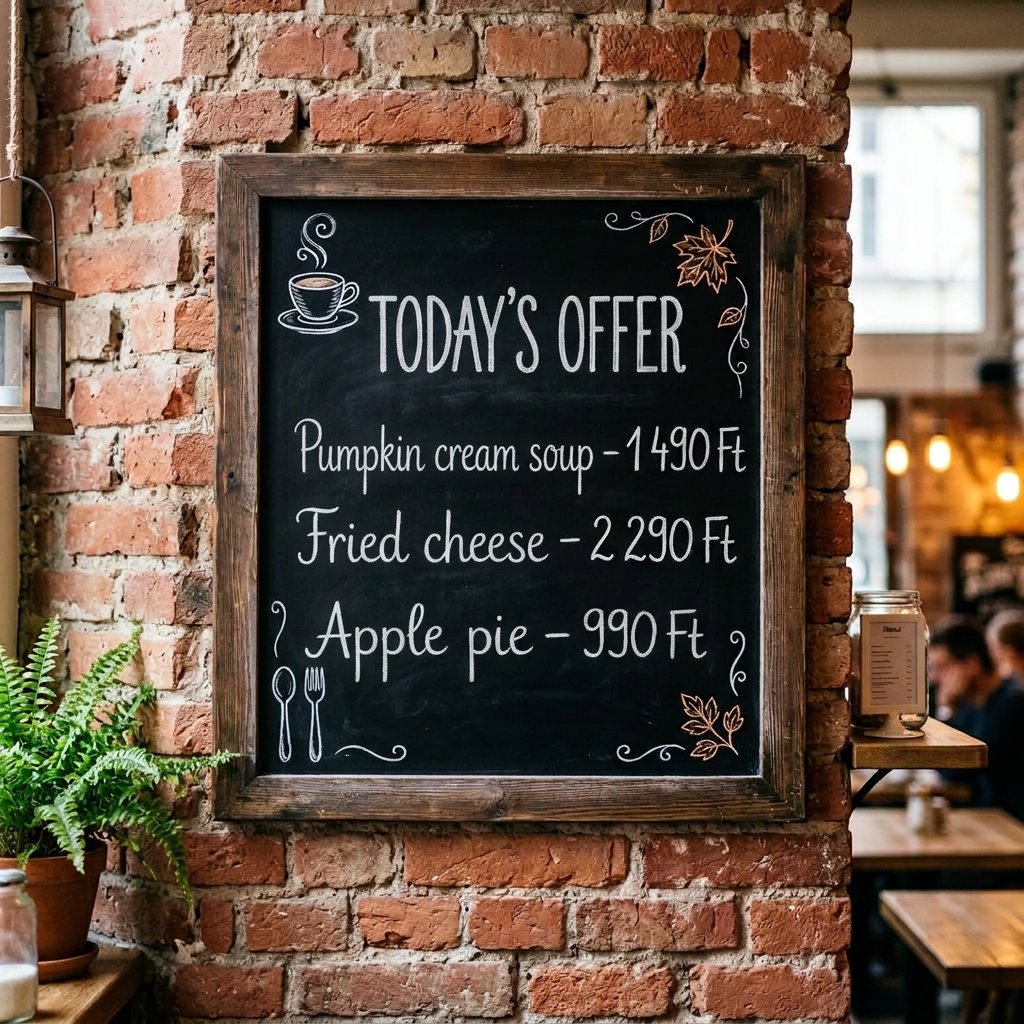
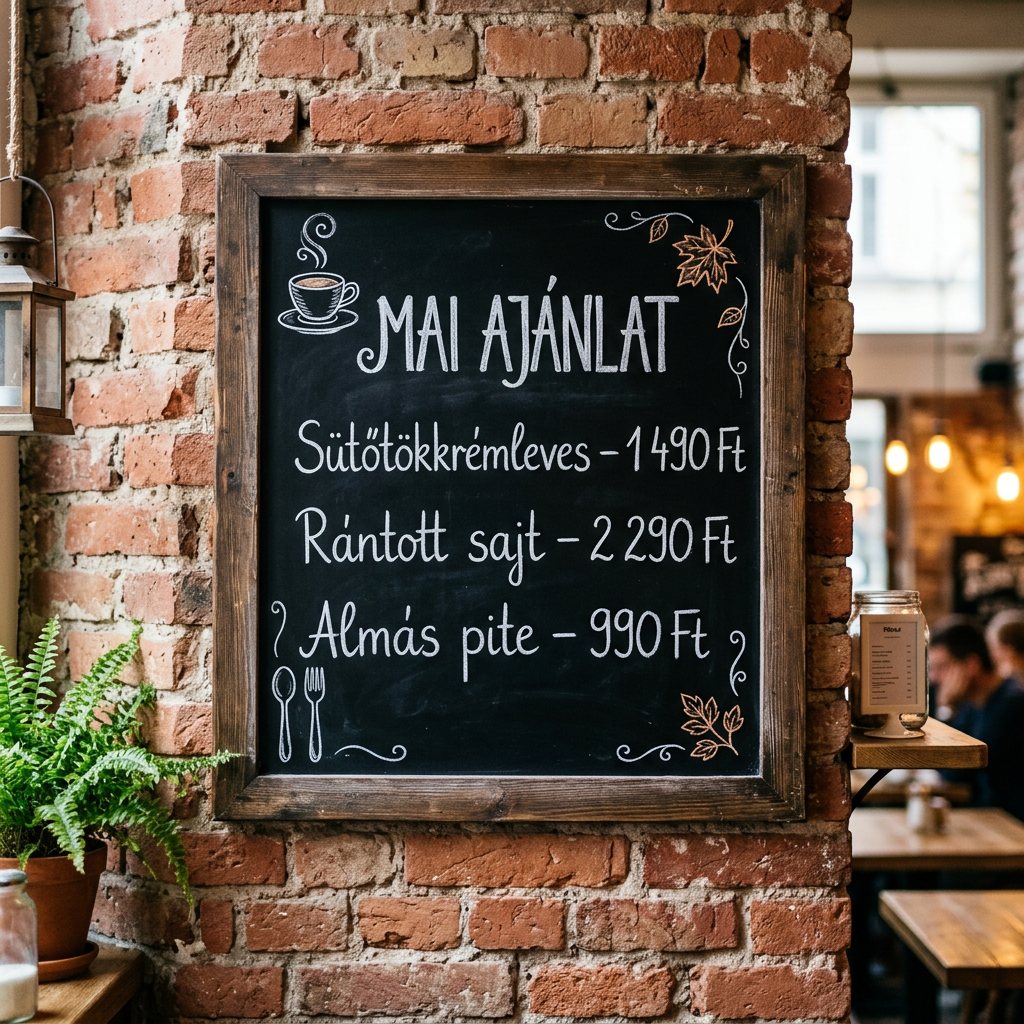 HungarianEnglish
See the prompt
Step 1: A café chalkboard menu on a brick wall, hand-written in white chalk, in Hungarian: "MAI AJÁNLAT", "Sütőtökkrémleves – 1 490 Ft", "Rántott sajt – 2 290 Ft", "Almás pite – 990 Ft", small chalk doodles of a cup and a leaf in the corners.

Step 2: Translate all the text on the chalkboard into English. Keep the handwriting style, the prices, the layout and the doodles exactly the same.
See the prompt
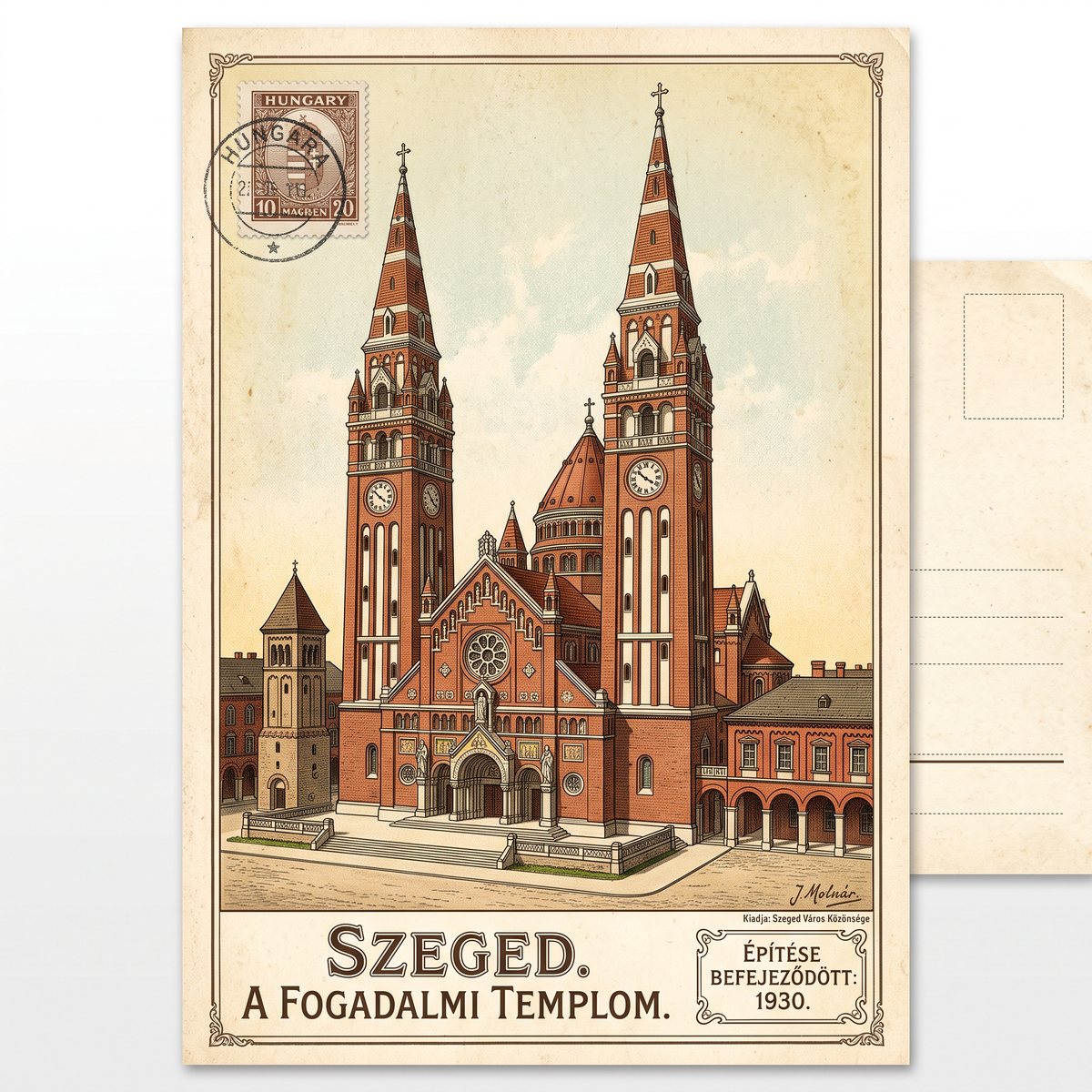
An illustrated vintage postcard of the Votive Church in Szeged, Hungary, with accurate architecture, and a small caption giving the year the church was completed.

Settings: Google Search on.
When the image has to carry text or structure
Flux 2 Flex
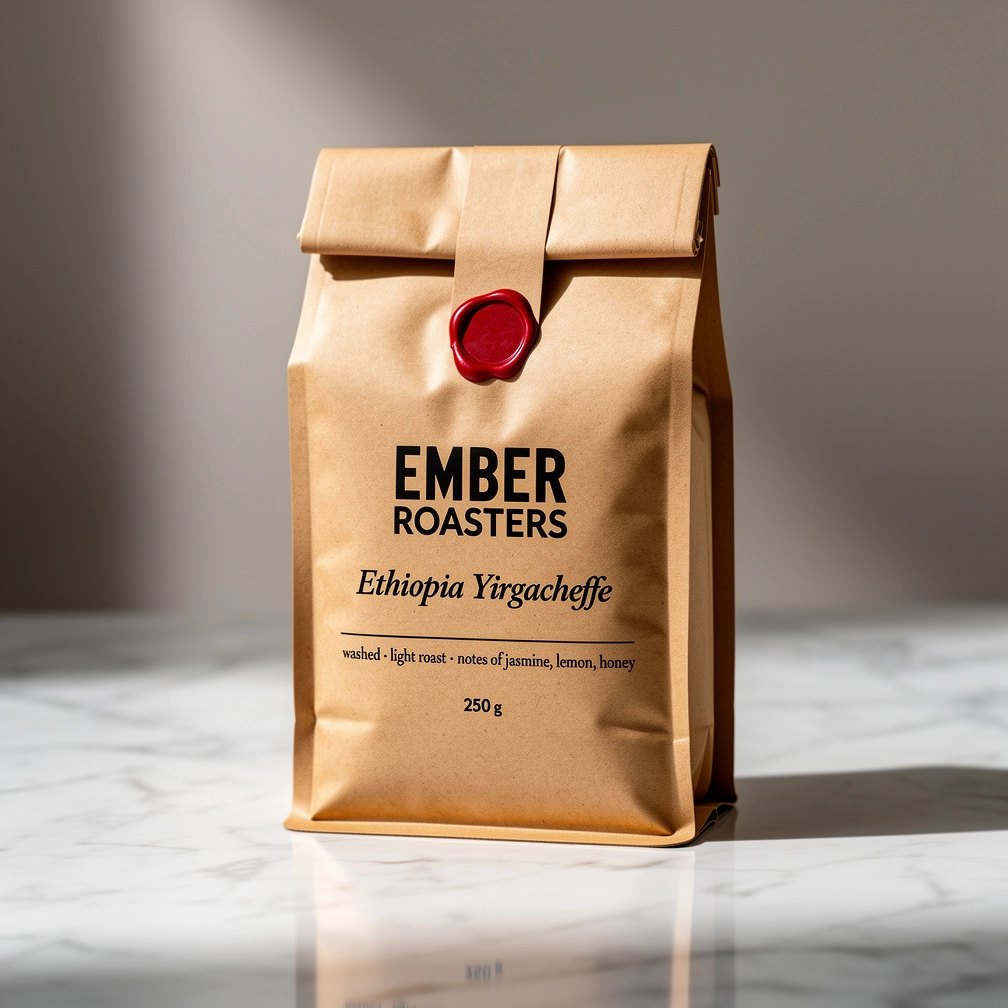
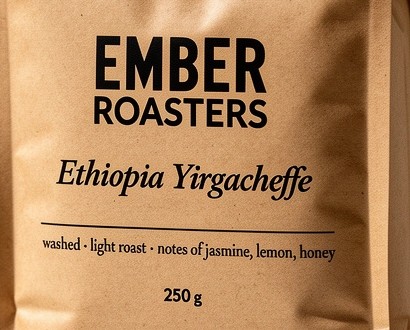
Best at: typography and small details. It is the same family as Pro but tuned for text, so pick it when the words in the picture have to come out right, down to the small print. It also lets you type an exact custom size instead of picking a ratio.
Watch out for: like the rest of the Flux family, it ignores negative prompts. Describe what you want to see, not what you want to avoid.
See the prompt
Product photo of a kraft paper coffee bag standing on a marble counter. The front label is printed in black ink: the brand name "EMBER ROASTERS" in a bold condensed sans-serif at the top, below it "Ethiopia Yirgacheffe" in an elegant italic serif, a thin line, then small print reading "washed · light roast · notes of jasmine, lemon, honey", and at the bottom "250 g". A small red #C8372D wax seal on the fold. Soft side light showing the paper texture.
GPT Image 2
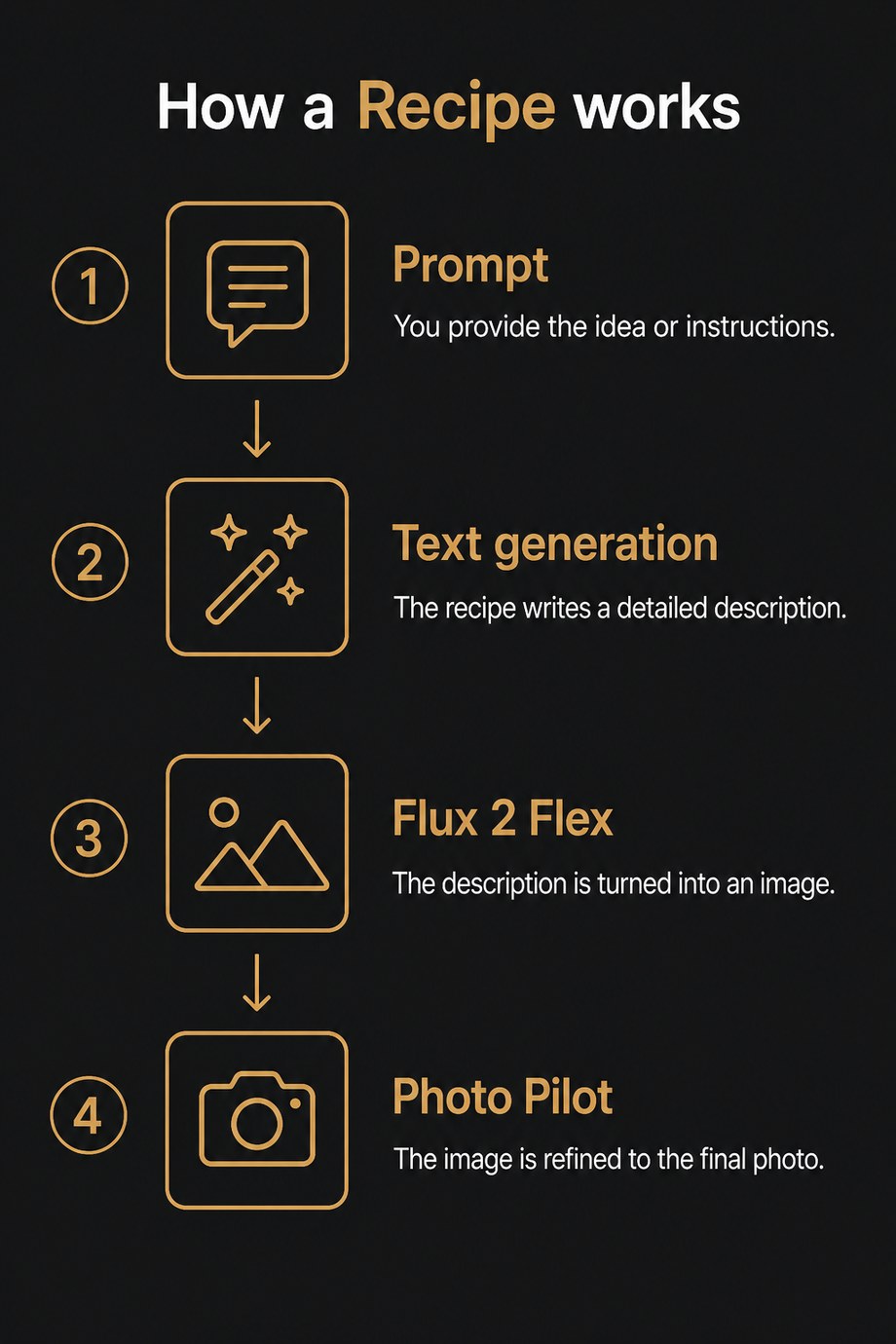
Best at: the things that are not really pictures. Diagrams, infographics, charts, posters, comics, anything where structure and labels matter as much as the image. Good multilingual text, and it composites several input images sensibly if you refer to them by position and description. It can also return a transparent background, which saves a separate cut-out step for logos, stickers and product shots.
Watch out for: there is no resolution setting. You choose a quality level instead, from low to high, and the higher levels take longer.
See the prompt
A clean infographic titled "How a Recipe works", four labelled steps from top to bottom connected by arrows: "Prompt", "Text generation", "Flux 2 Flex", "Photo Pilot". Each step has a simple line icon and a one-line caption next to it. Dark charcoal background, warm gold #CF9A52 accents, modern sans-serif, vertical 4:5.
Qwen Image 2
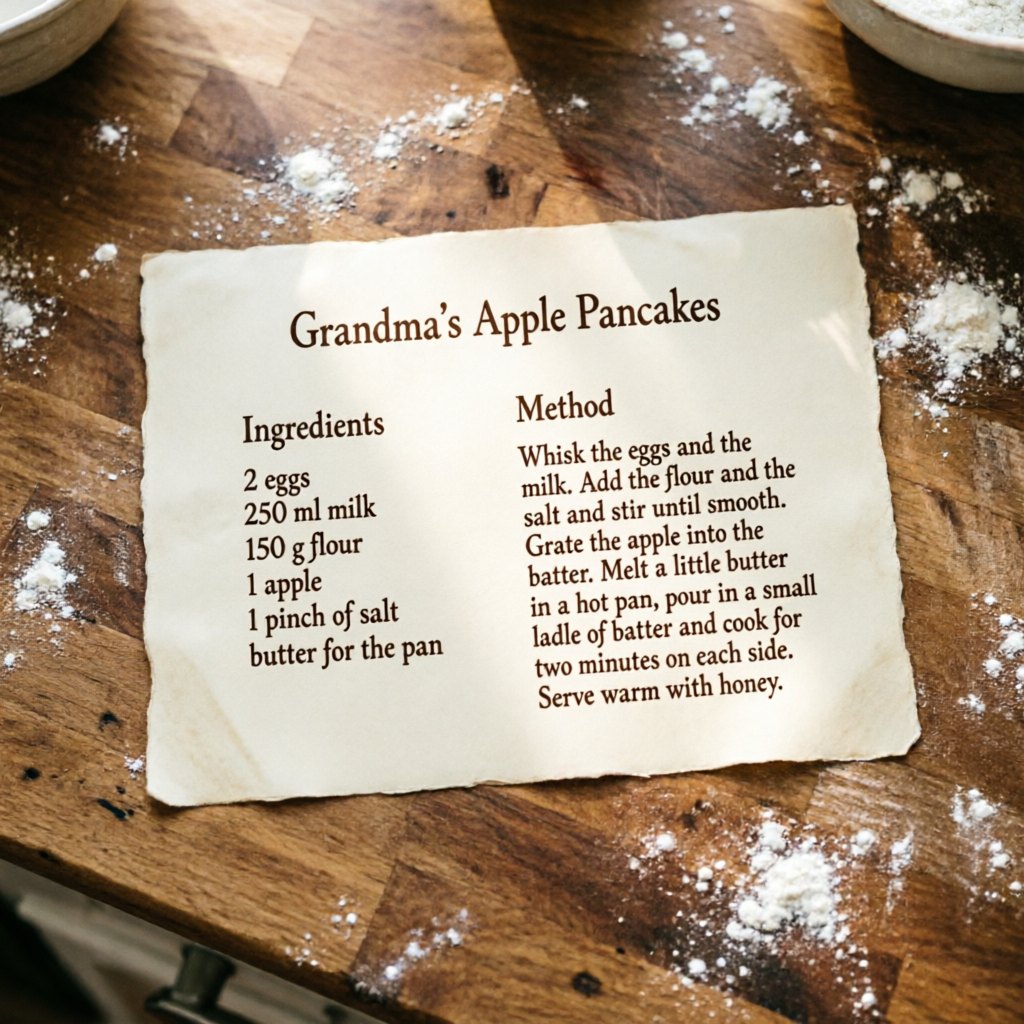
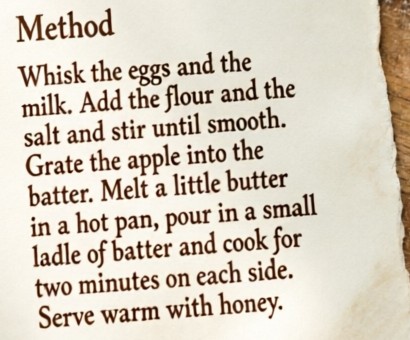
Best at: paragraph-level text. Not a headline or a label, but actual multi-line blocks laid out properly inside the picture. Slides, posters, dense information graphics.
Watch out for: there is no resolution setting, and a square image comes out at 1024×1024, about 1 megapixel. Upscale it afterwards if you need more. It also takes only one reference image.
See the prompt
A printed recipe card lying on a wooden kitchen counter, photographed from above. Title at the top: "Grandma's Apple Pancakes". Left column titled "Ingredients" with the lines: "2 eggs", "250 ml milk", "150 g flour", "1 apple", "1 pinch of salt", "butter for the pan". Right column titled "Method" with the paragraph: "Whisk the eggs and the milk. Add the flour and the salt and stir until smooth. Grate the apple into the batter. Melt a little butter in a hot pan, pour in a small ladle of batter and cook for two minutes on each side. Serve warm with honey." Cream paper, dark brown serif type, a dusting of flour around the card.
Grok Imagine
Best at: laying out a design the way a designer would: a clear hierarchy, a sensible grid and room to breathe. Ask for the same poster in a different aspect ratio and it rearranges the layout rather than just cropping it.
Watch out for: in Alberti Studio the only setting is the aspect ratio, so there is nothing to tune beyond the prompt, and a square image comes out at 1024×1024. And xAI publishes no prompting guide at all, so you are learning by experiment.
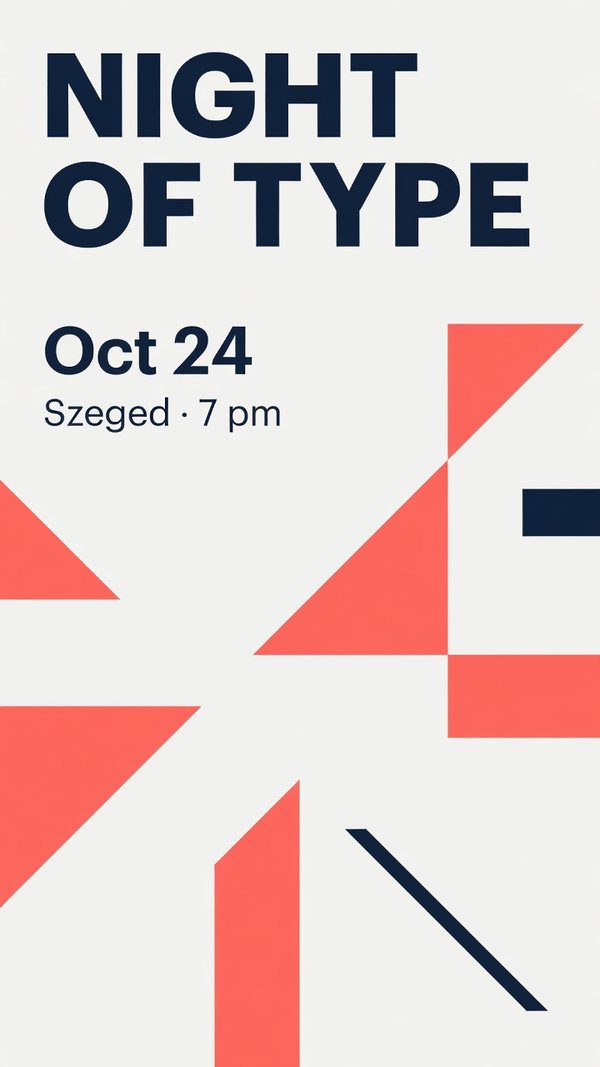 9:16
9:16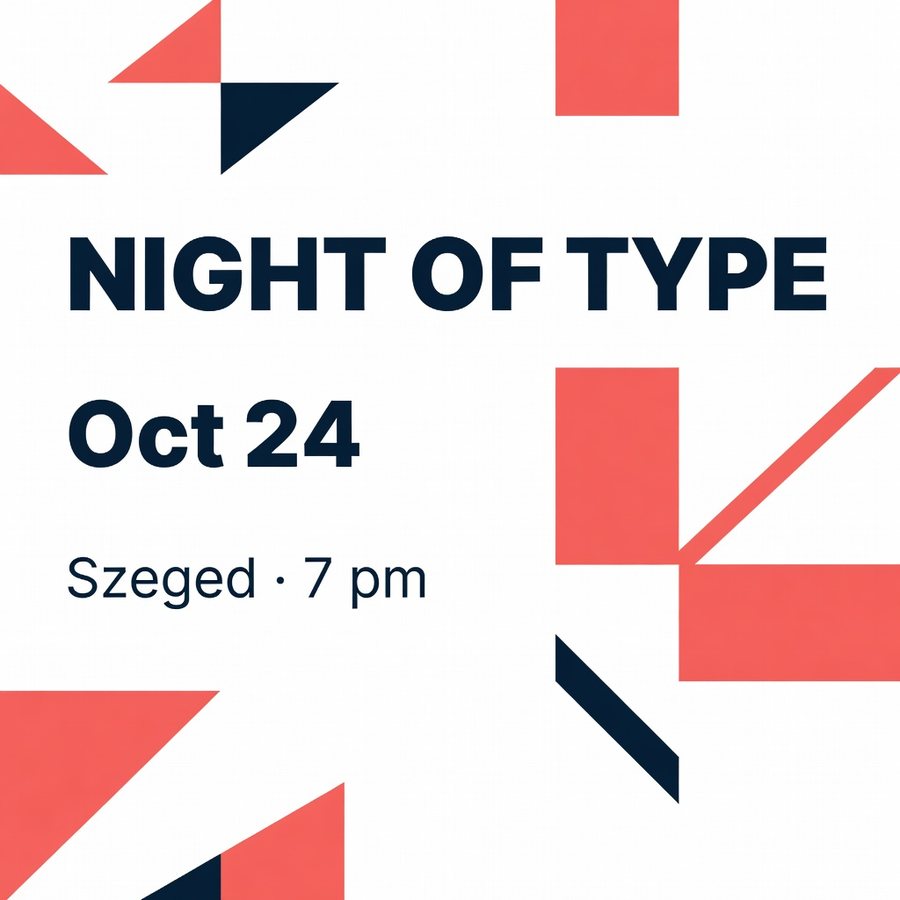 1:1
1:1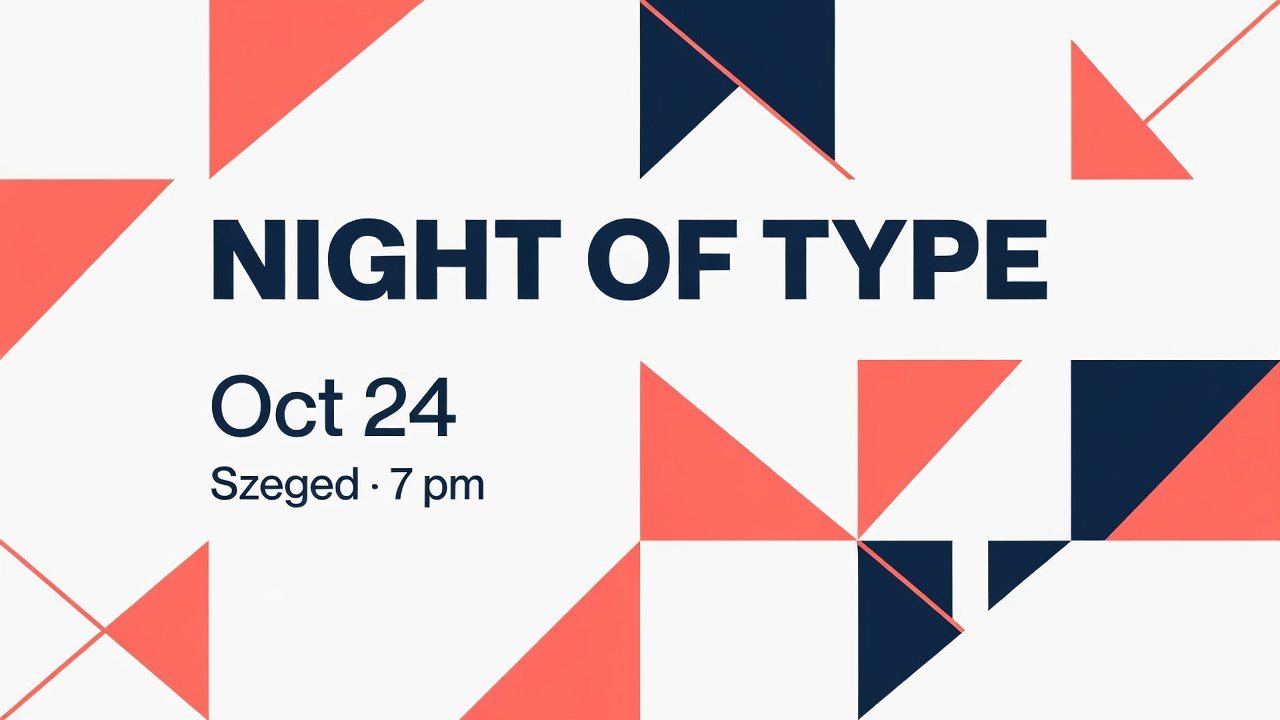 16:9
16:9See the prompt
A modern event poster for a design meetup called "Night of Type", a large bold headline, the date "Oct 24" and the line "Szeged · 7 pm", abstract geometric shapes in coral #F2665A and navy #1B2A4A, generous whitespace, strict grid layout.

Run three times, with the aspect ratio set to 1:1, 9:16 and 16:9.
When you need many tries, quickly
Flux 2 Klein 9b
Best at: speed. It is a small, four-step model built for volume, and it is meant for the part of the process where you are still deciding what you want. In Alberti Studio it goes down to 0.25 megapixels and has a Go fast switch, both handy for quick drafts.
Watch out for: only four reference images instead of eight, and weaker text rendering than its bigger siblings.
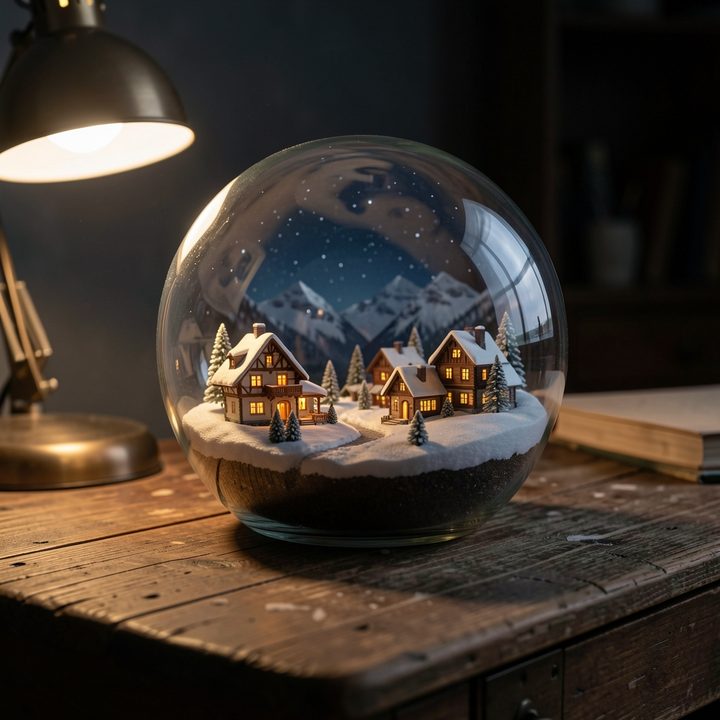
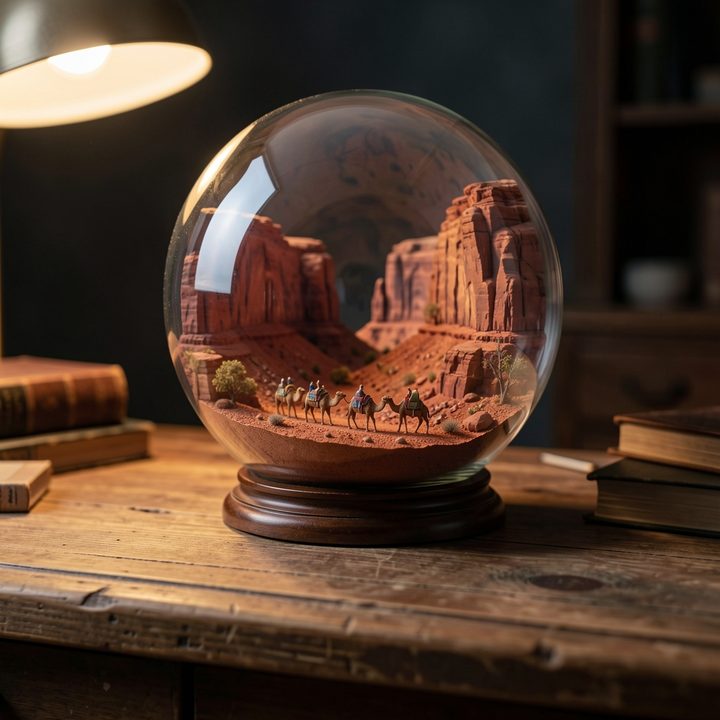
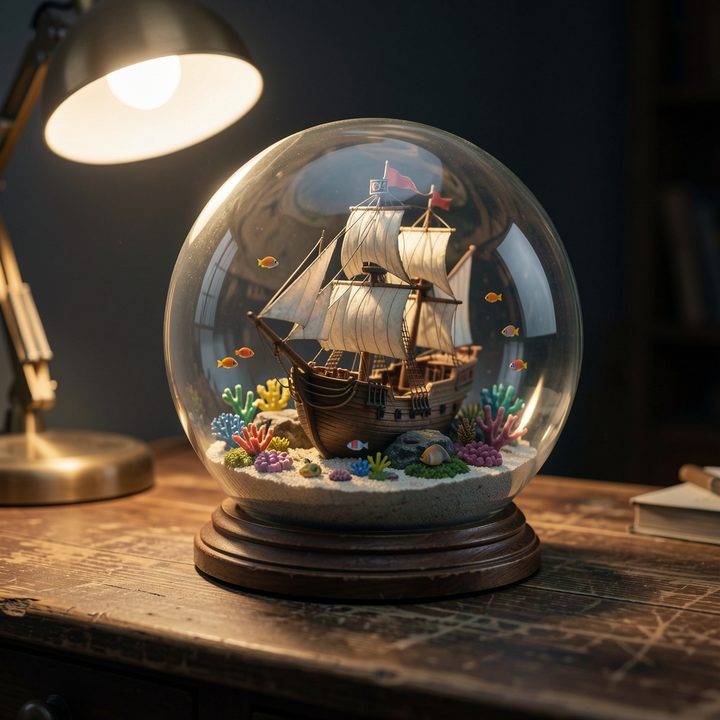
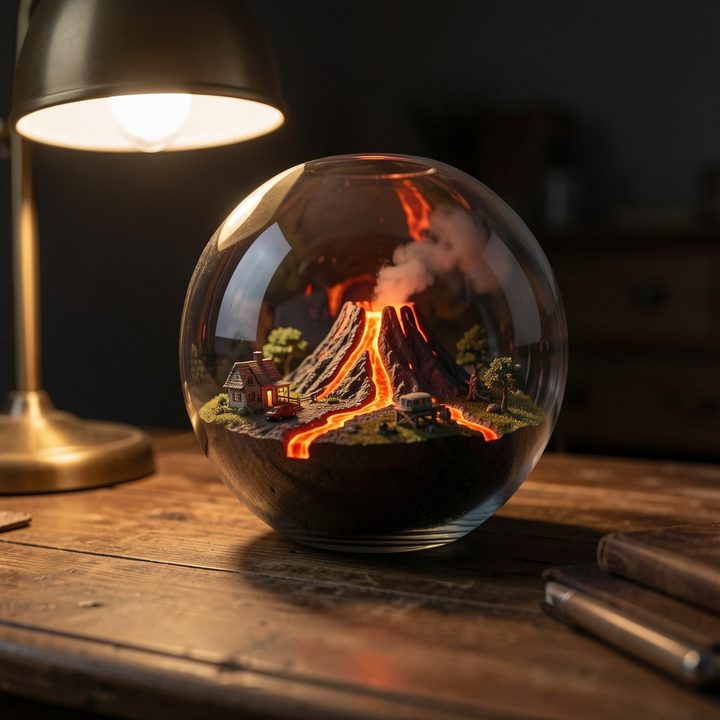
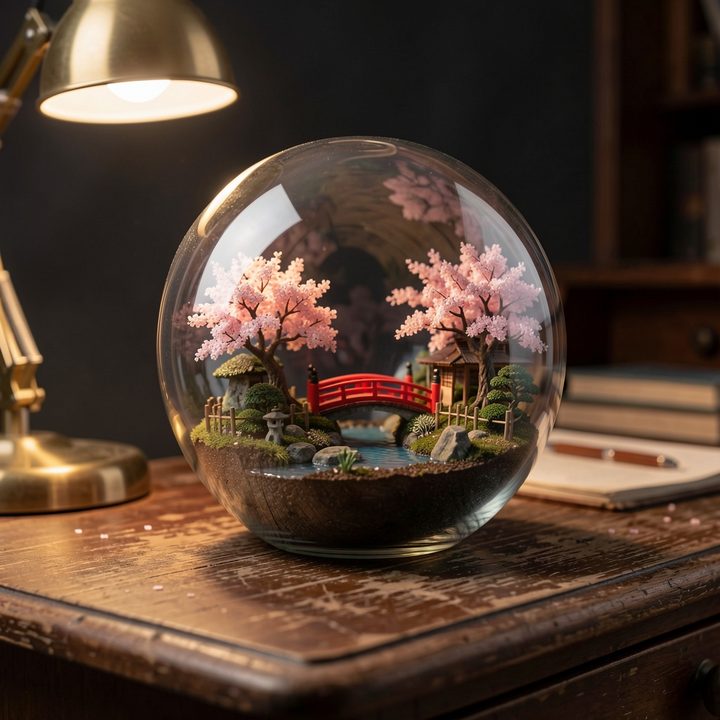
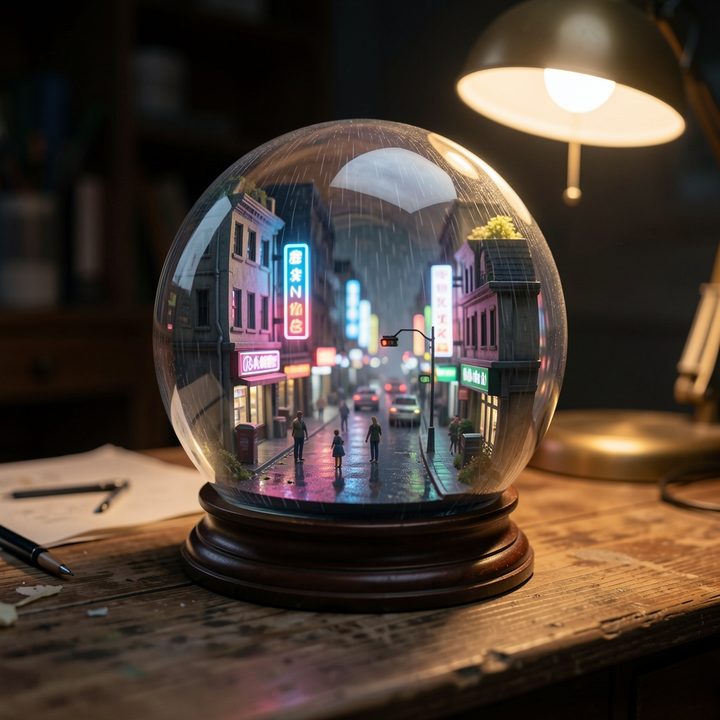
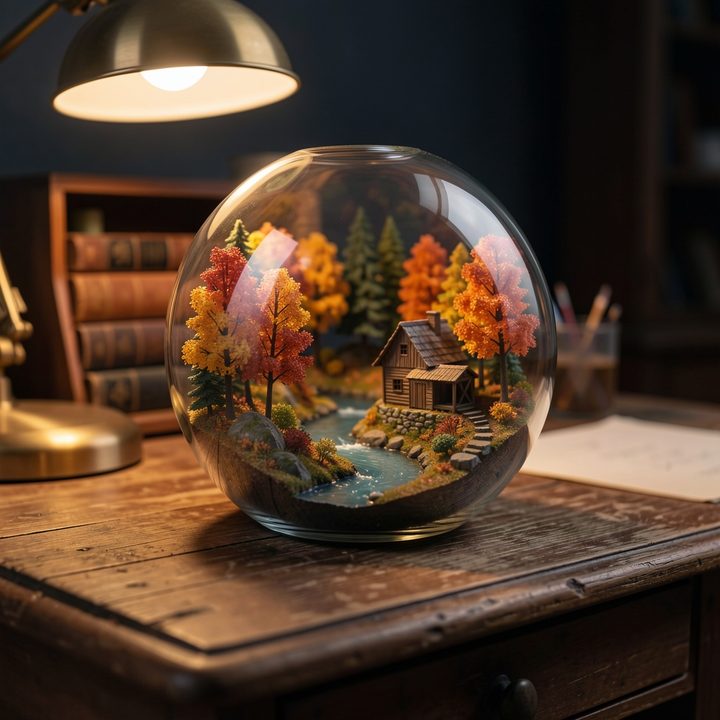
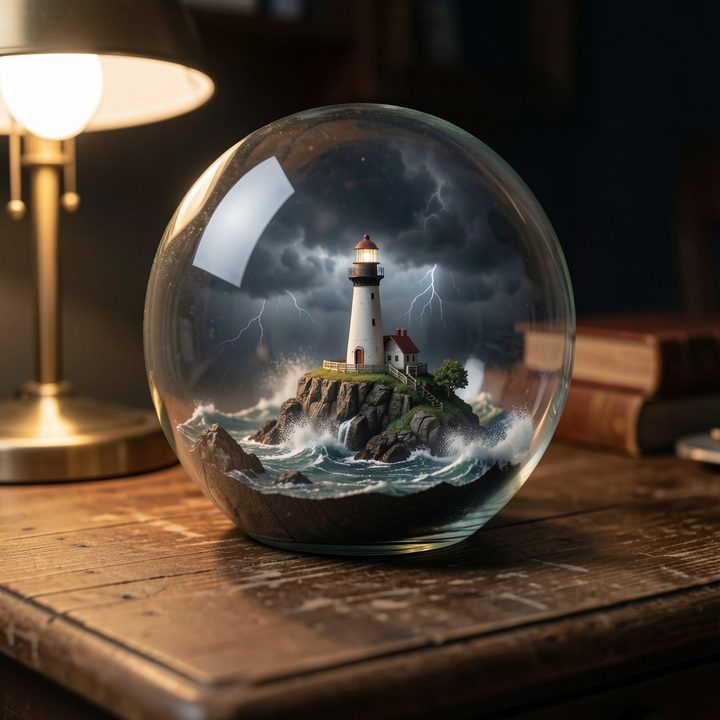
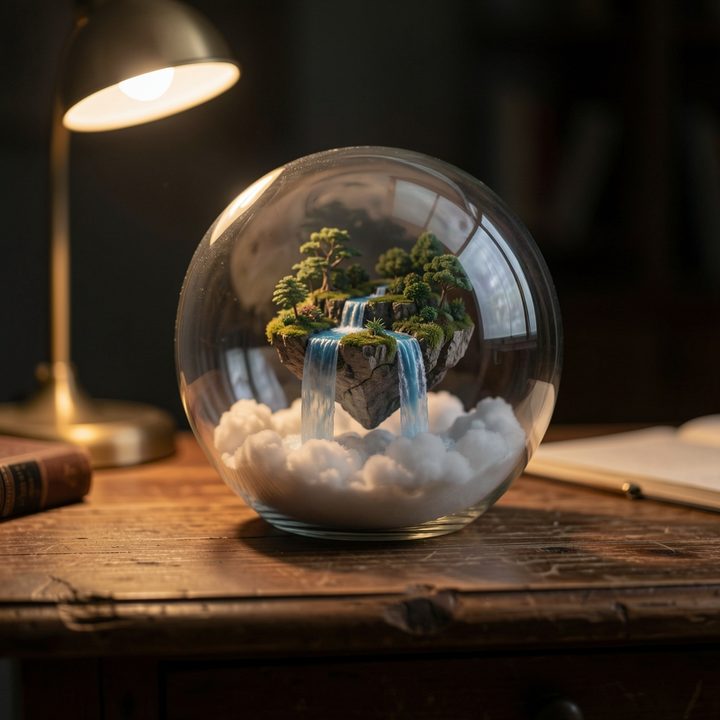
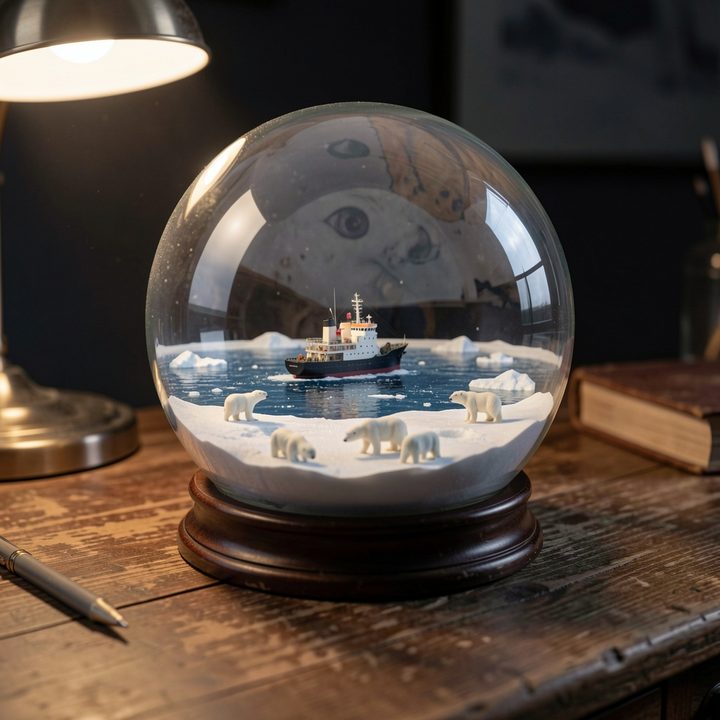
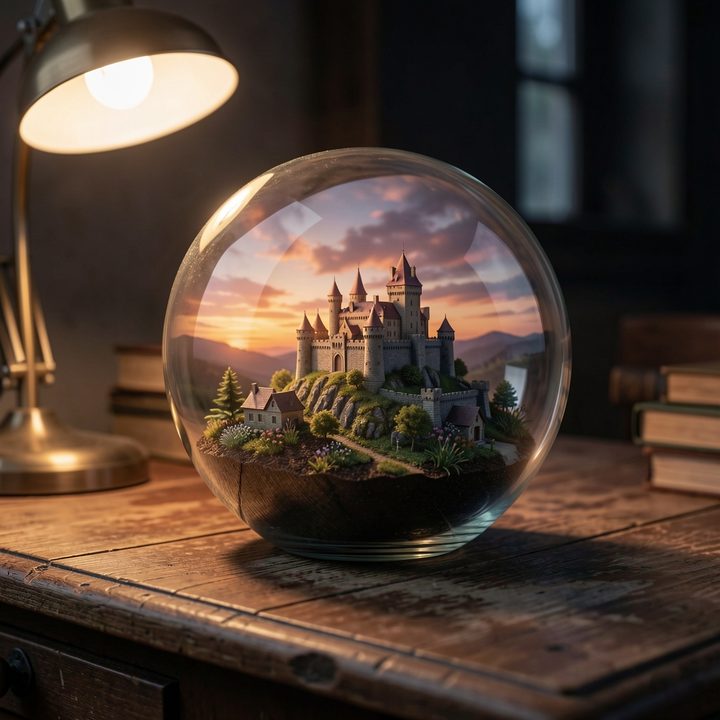
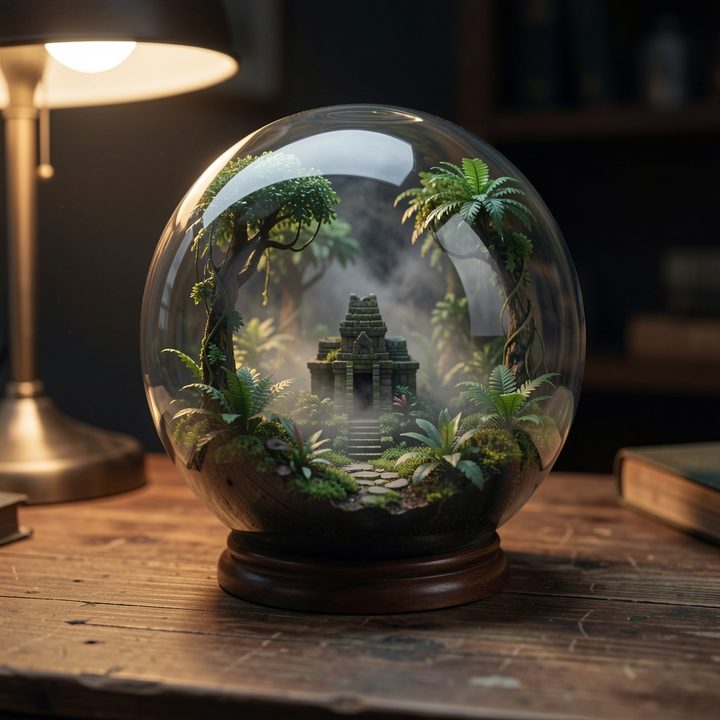
See the prompt
A glass terrarium globe resting on an old wooden desk, holding a complete miniature world inside: [WORLD]. Tiny details visible through the curved glass, soft reflections on the glass, warm desk-lamp light from the side, dark moody background, macro photography, shallow depth of field.

[WORLD] was swapped each time: a snowy alpine village at night, a red desert canyon with a camel caravan, a sunken pirate ship on a coral reef, a volcano island with lava rivers, a Japanese garden, a neon cyberpunk street in the rain, an autumn forest with a mill, a lighthouse in a storm, a floating island with waterfalls, a frozen arctic sea with polar bears, a castle at sunset, a jungle with a hidden temple.
Z Image Turbo
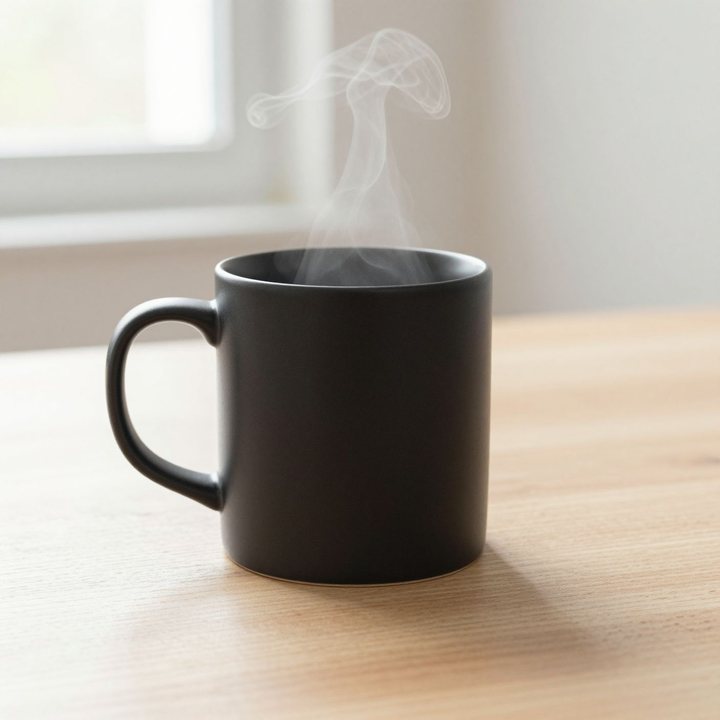
Best at: photorealistic portraits and product shots, generated in a few seconds. A small, fast model that does far better than its size suggests.
Watch out for: the speed has a price. On busy scenes with lots of people or detail, it falls behind the larger models.
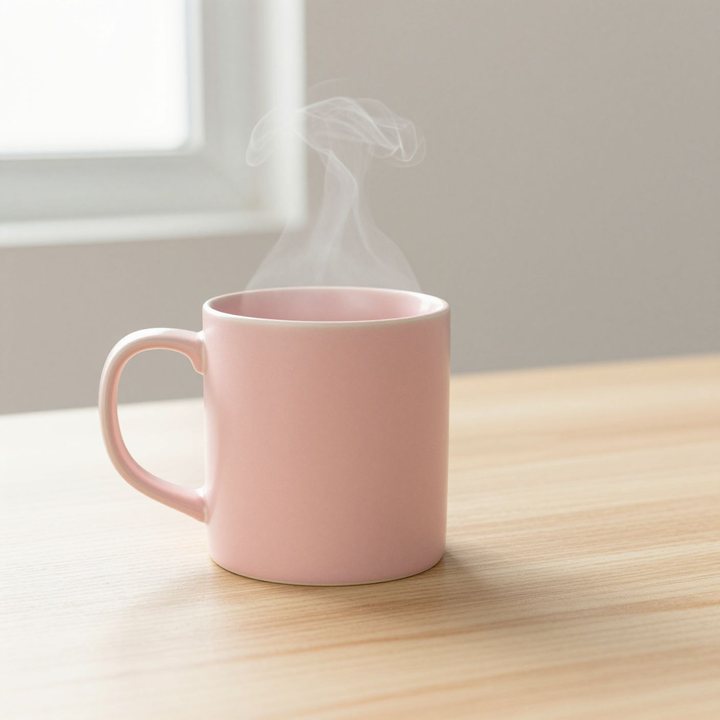
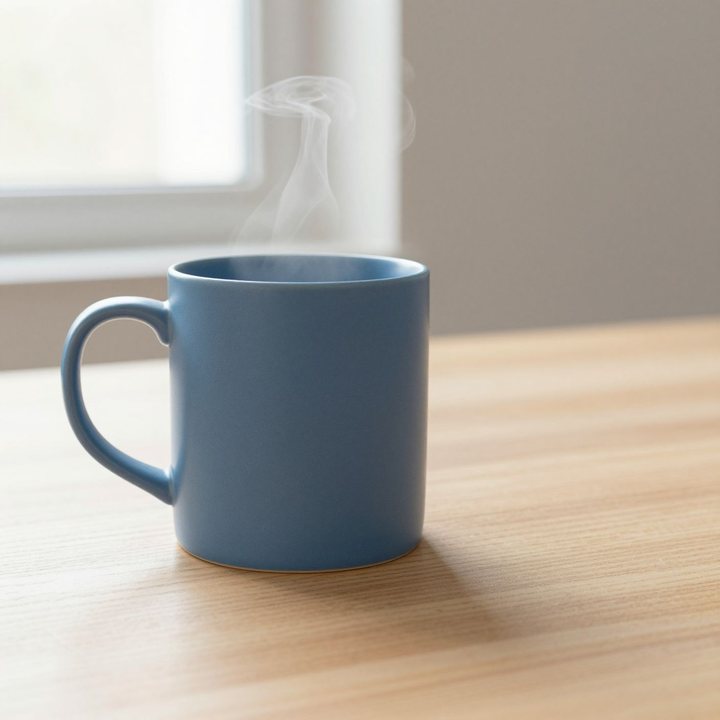
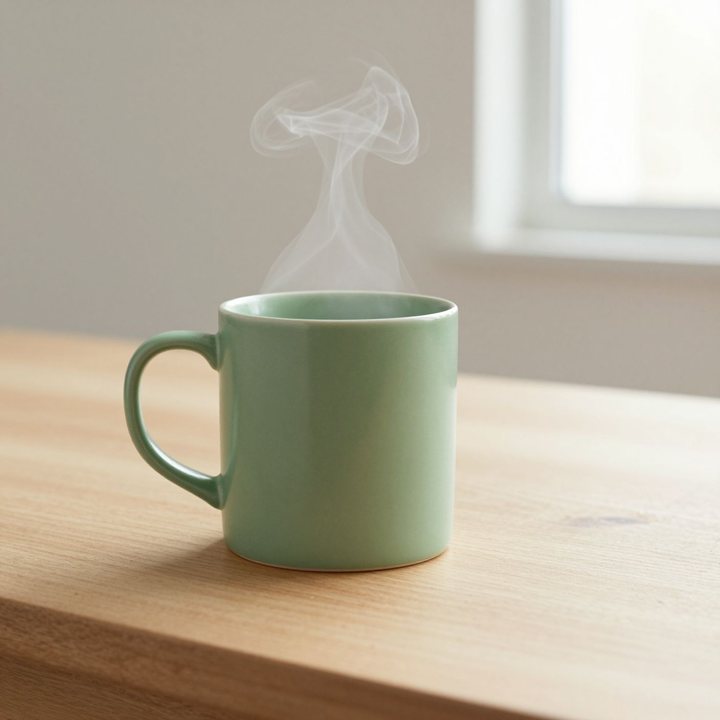
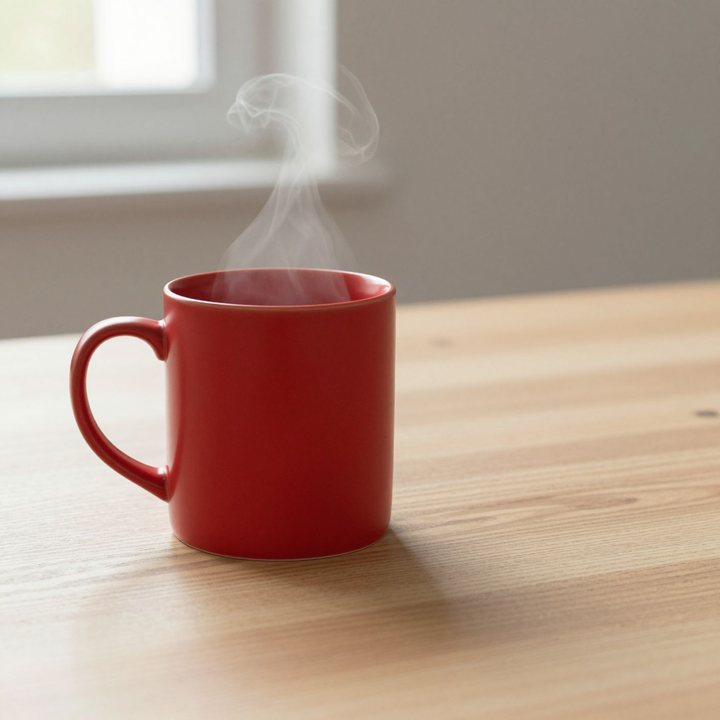
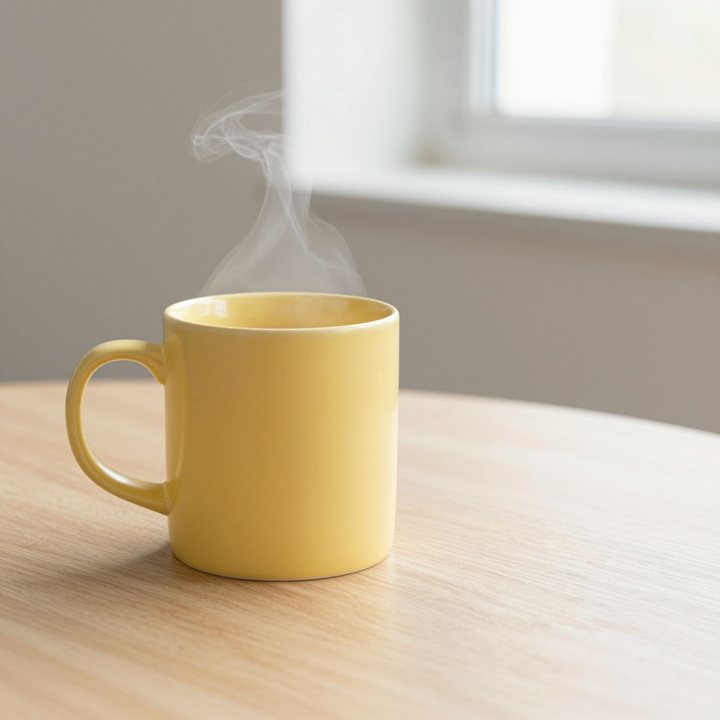
See the prompt
Studio product photo of a plain matte black ceramic coffee mug with a smooth, well-shaped handle, on a light oak table, soft morning daylight from a window, a thin curl of steam rising, minimal composition, plenty of empty space on the right, no text or logo.

For each variant, only the colour changes.
Seedream 5 Lite
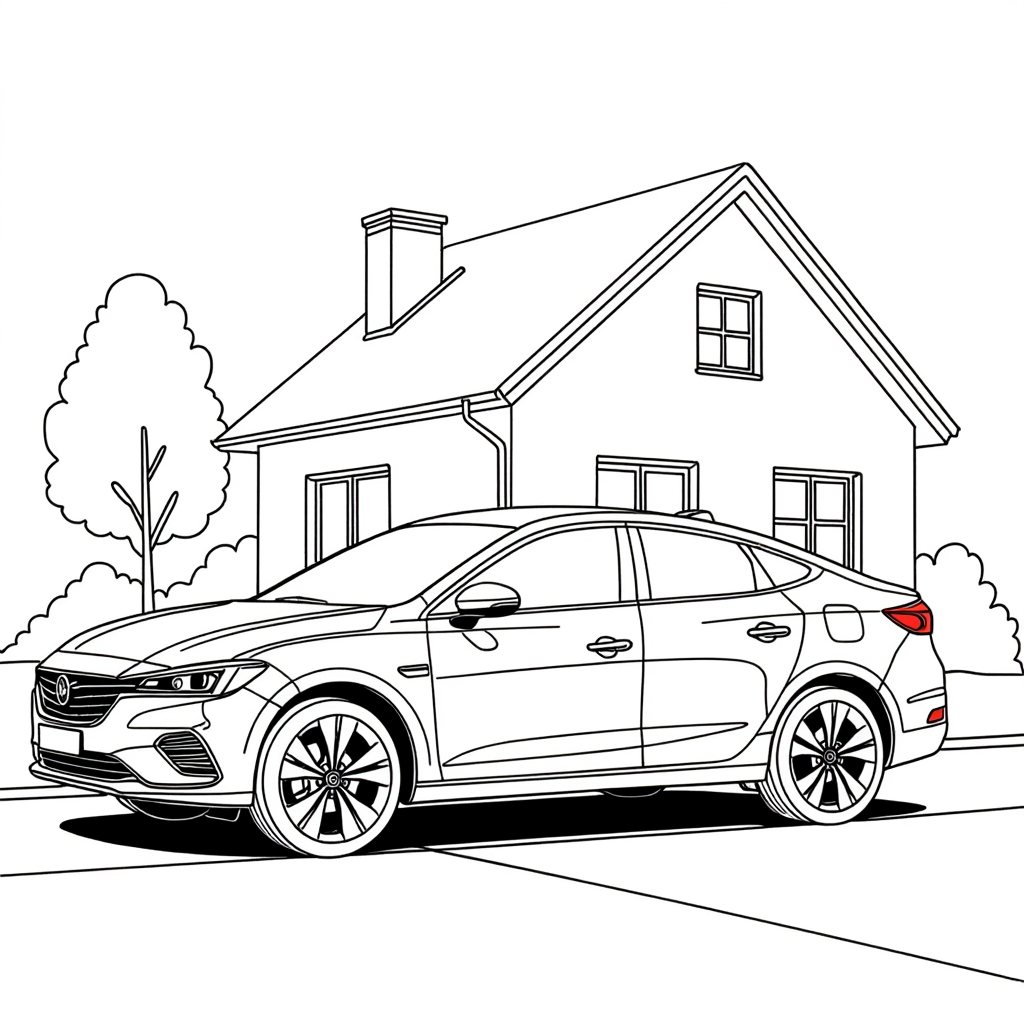
Best at: thinking before drawing. It reasons about spatial relationships and physical plausibility, and accepts up to fourteen reference images. It also supports example-based editing, where instead of describing a change you show a before and after pair and it applies the same treatment.
Watch out for: it is the Lite version, so for a polished final image, compare its result with Seedream 4.5.
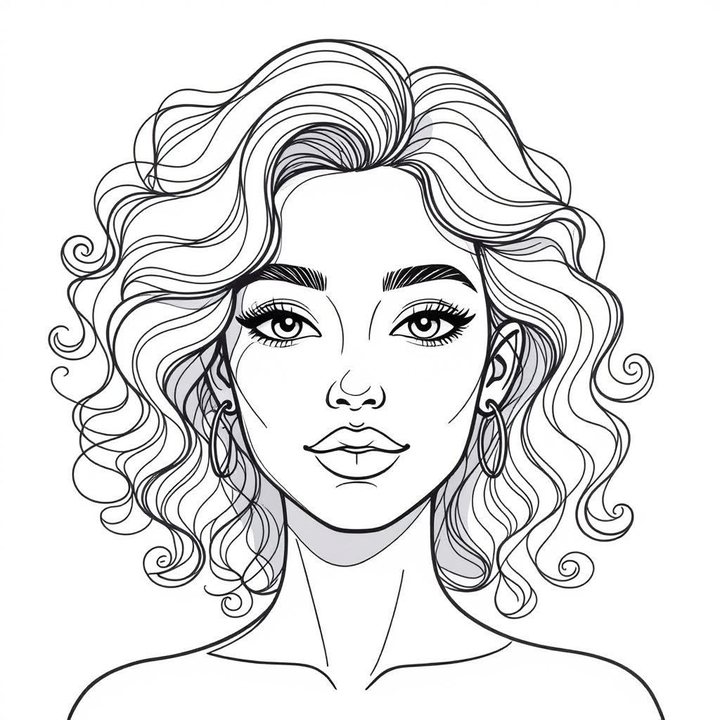 Example: before
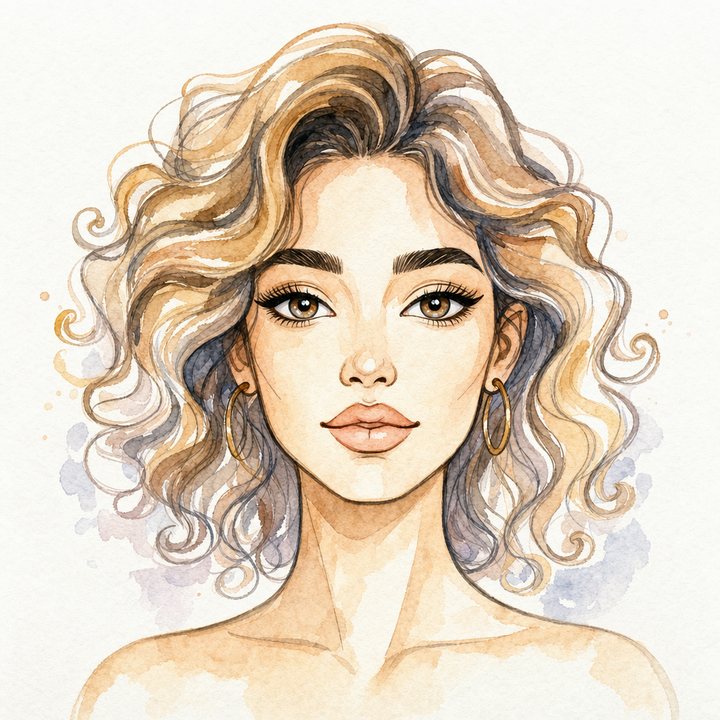 Example: after
The whole prompt
“Image 1 and image 2 show a before and after. Apply exactly the same transformation to image 3.”
The prompt never says “watercolour”. The example pair is the only description of the style.
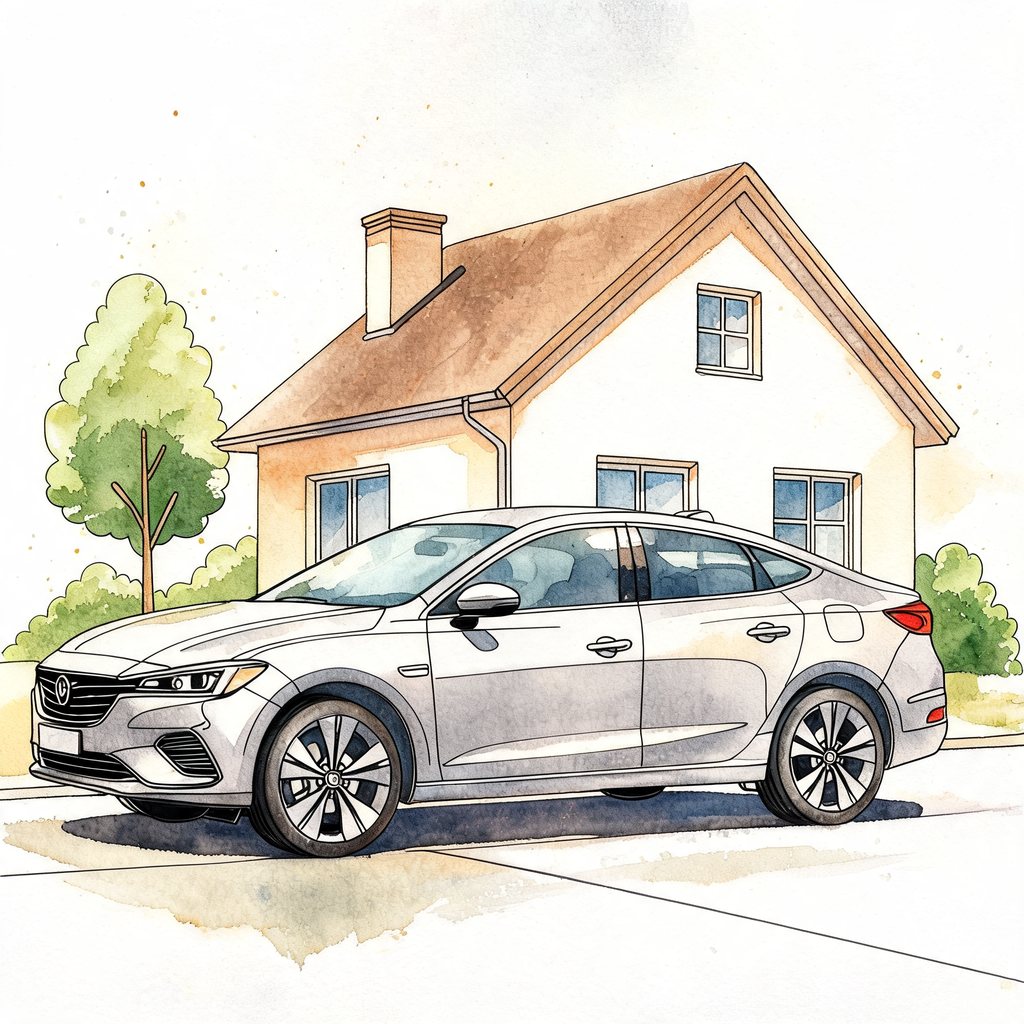
 New drawingResult
See the prompt
Image 1 and image 2 show a before and after. Apply exactly the same transformation to image 3.
When you want the very best single image
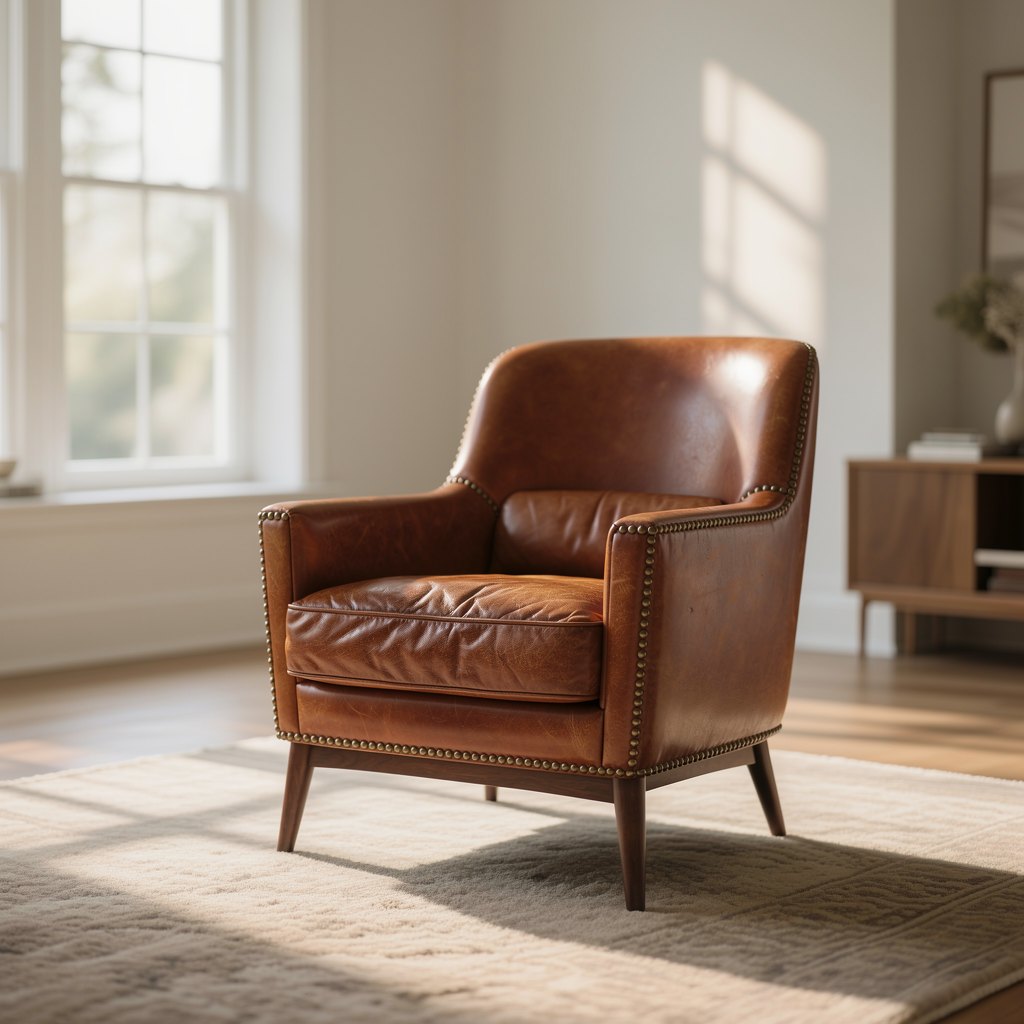
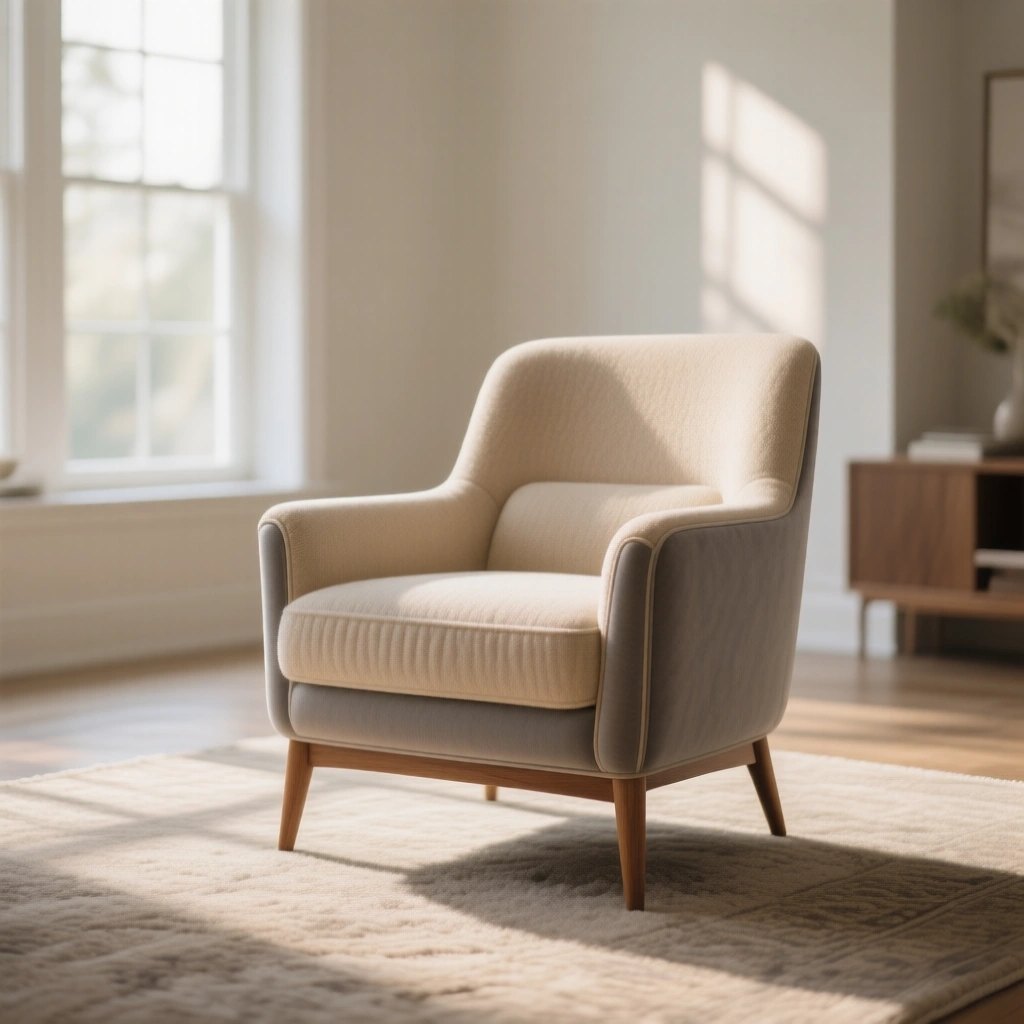
Flux 2 Max
Best at: the hardest jobs. Character consistency across a series, product photography, retexturing a surface while keeping its geometry and lighting intact, spatial reasoning.
Watch out for: it costs meaningfully more than Pro. Use it for the final frame, not the twenty before it.
 BeforeAfter
See the prompt
Keep the exact shape, proportions, camera angle and lighting of the armchair in image 1. Change only its material to worn cognac leather #8B4A2B with soft creases on the seat and a row of small brass studs along the arms.
Wan 2.7 Image
Best at: working from a lot of material. It takes up to nine reference images, so you can combine a product, a person and a place in one picture without describing each of them in words.
Watch out for: you pick the size from a fixed list rather than setting an aspect ratio and a resolution separately, and the largest is 2048×2048, about 4 megapixels. Upscale it afterwards if you need more.
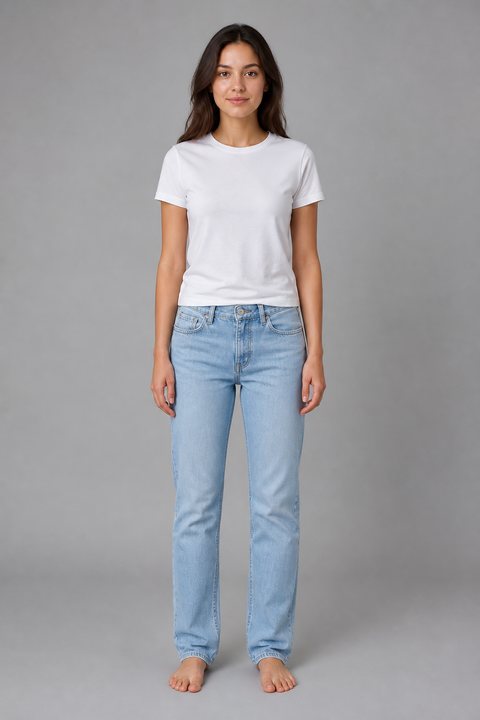 Image 1
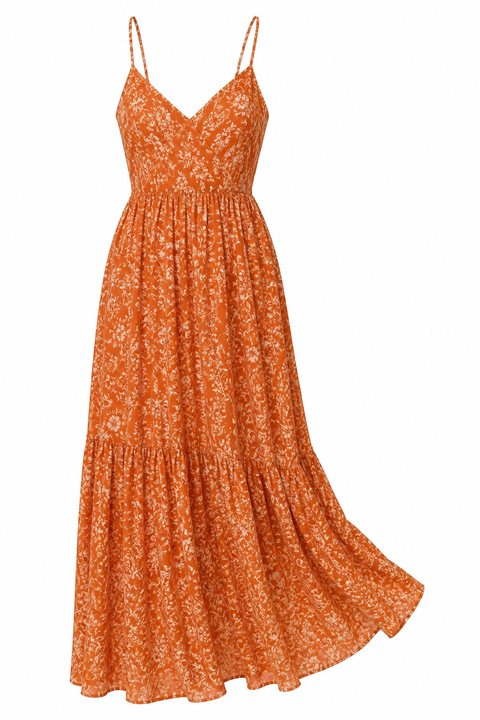 Image 2
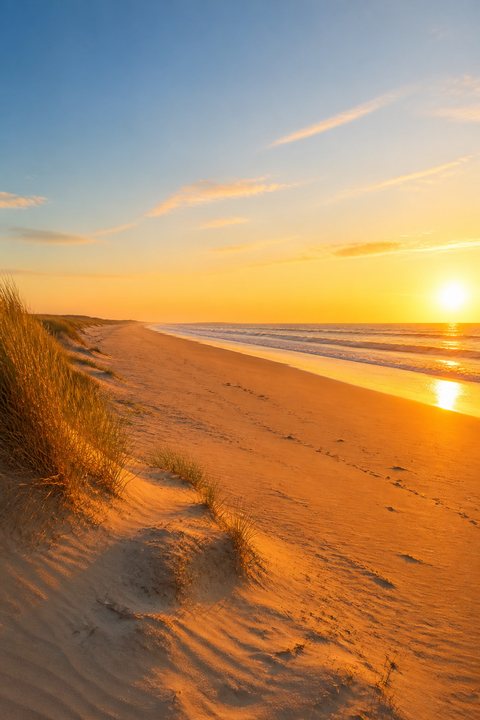 Image 3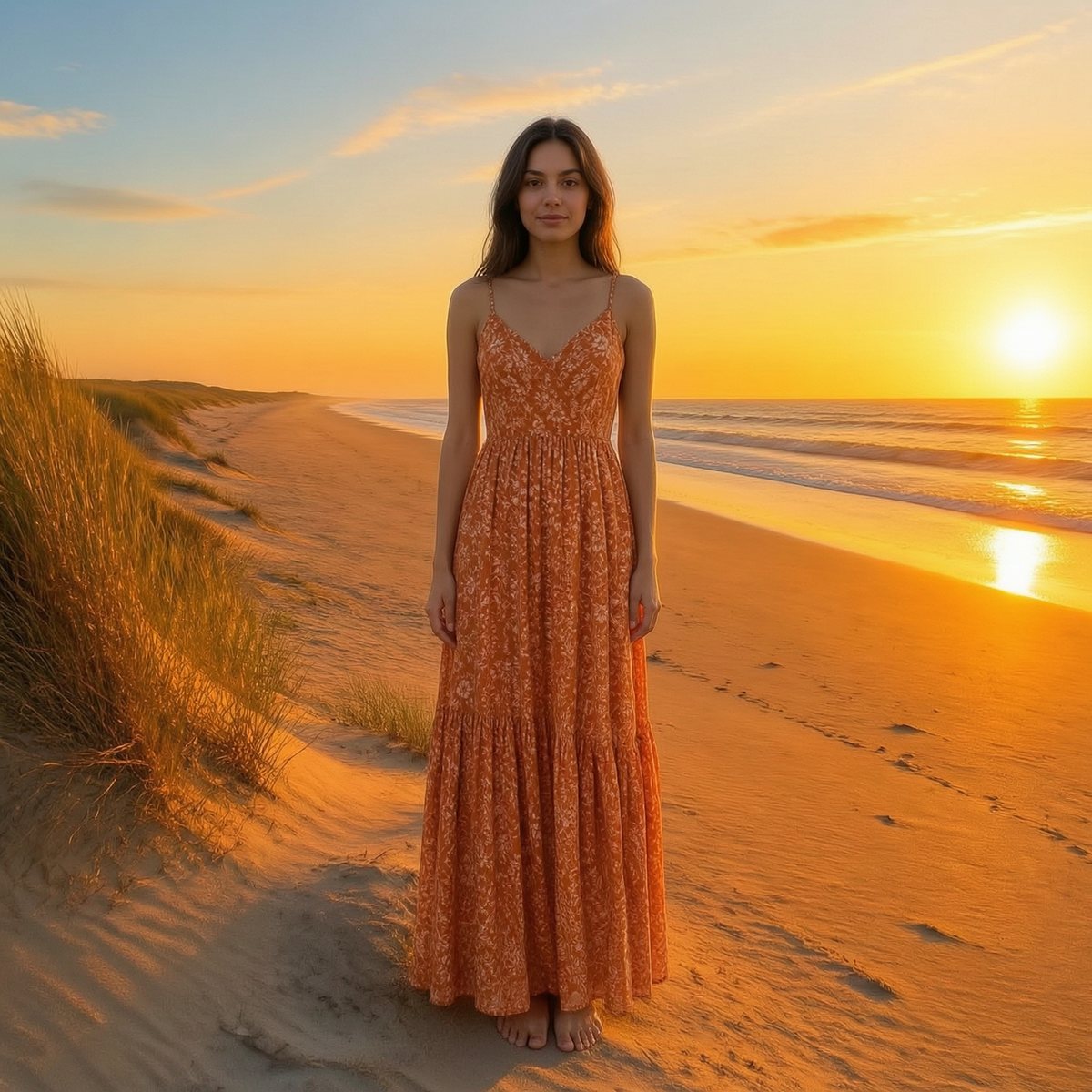
See the prompt
The woman from image 1 wearing the dress from image 2, standing on the beach from image 3, full body, facing the camera. Keep her face, hair and body exactly as in image 1, and the dress exactly as in image 2: its colour, print and cut. Warm late-afternoon light that matches the beach.
Image models at a glance
Ceilings are given in the units the Alberti Studio settings use. Roughly, 4 MP is 2K and 16 MP is 4K.
| Model | Reach for it when | Ceiling | Refs |
|---|---|---|---|
| Flux 2 Pro | Default for photographic work | 4 MP | 8 |
| Flux 2 Flex | Typography and small print | 4 MP | 8 |
| Flux 2 Max | Final assets, character consistency, retexturing | 4 MP | 8 |
| Flux 2 Klein 9b | Drafts and volume | 4 MP | 4 |
| Nano Banana 2 | Correct text, or facts from the web | 4K | 14 |
| GPT Image 2 | Diagrams, charts, posters, comics | quality setting | 10 |
| Seedream 4.5 | Editing without drift | 16 MP | 10 |
| Seedream 5 Lite | Show it a before and after pair | 3K | 14 |
| Qwen Image 2 | Paragraphs of text inside the image | 1K | 1 |
| Wan 2.7 Image | Combining many reference images | 4 MP | 9 |
| Grok Imagine | Posters and layouts | 1K | up to 5 |
| Z Image Turbo | A few seconds per image, portraits and products | 4 MP | text only |
If you remember three things
Pick by the job, not by the ranking. A model that is third overall might be first at the thing you are doing this afternoon.
When you edit, say what must stay the same. Name what to change and what to keep, and repeat it on every round, or the picture slowly drifts away from the one you started with.
Run the same prompt through four models. Not because one will win, but because you will finally know what each of them does with the same instruction. That knowledge is the whole skill.
Next up: a guide to our own models, and one to the video models.
Something not covered here, or a model you want us to test head to head? Write to us.